EasyManua.ls Logo

Nikon J3 - Page 48

Nikon J3
350 pages
Print Icon
To Next Page IconTo Next Page
To Previous Page IconTo Previous Page
Loading...
46
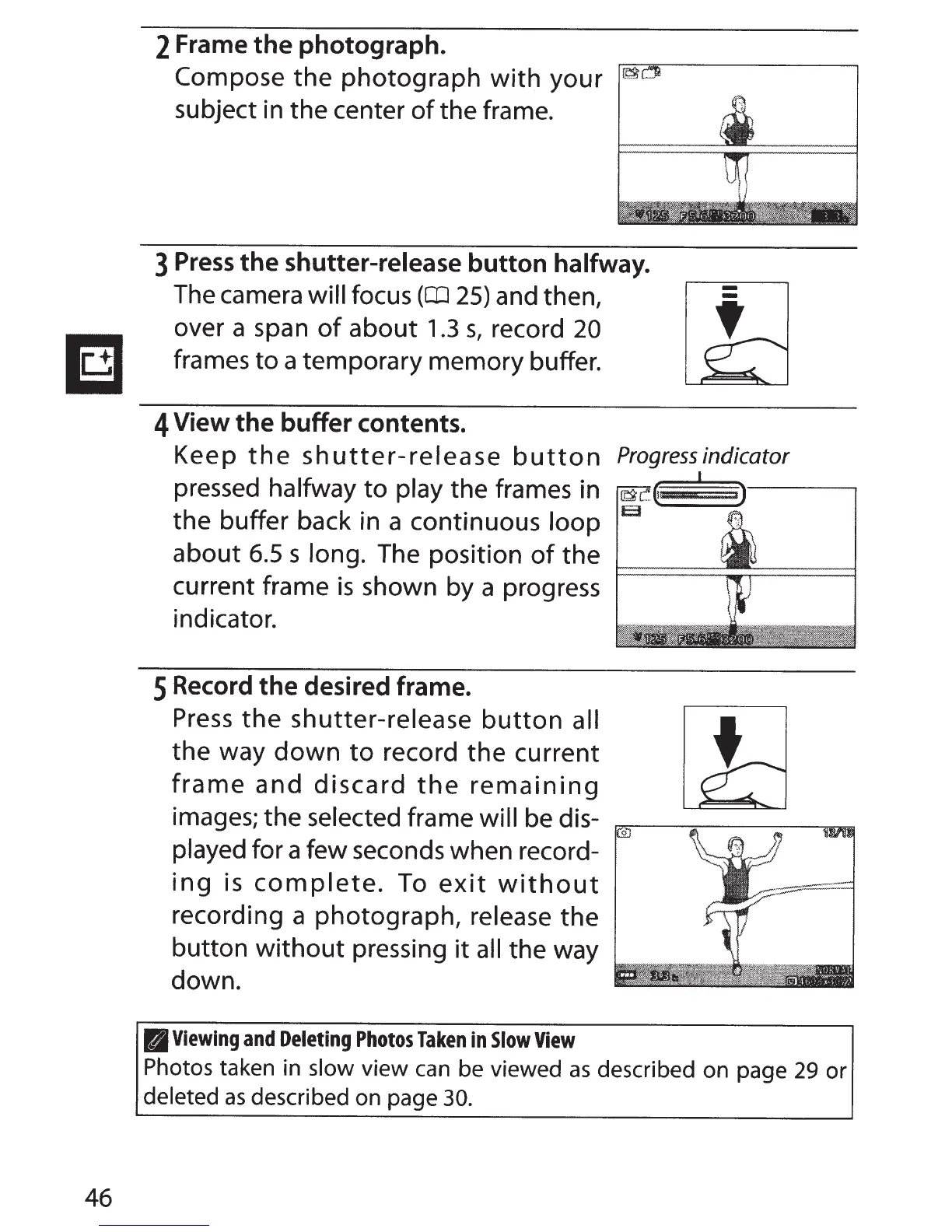
2 Frame
the
photograph.
Compose
the
photograph
with
your
subject in the center
of
the frame.
3
Press
the
shutter-release button halfway.
The camera will focus
(CD
25)
and then,
over a span
of
about
1.3
s,
record
20
frames
to
a temporary memory buffer.
4
View
the
buffer contents.
-
-
Keep
the
shutter-release
button
Progressindicator
pressed
halfway
to
play
the frames in
the buffer back in a continuous
loop
about
6.5
s
long. The position
of
the
current frame
is
shown by a progress
indicator.
5 Record
the
desired frame.
Press
the
shutter-release
button
all
the
way
down
to
record
the
current
frame
and
discard
the
remaining
images; the
selected frame
will be dis-
played
for a few seconds when record-
ing
is
complete.
To
exit
without
recording a photograph, release
the
button
without
pressing
it
all
the way
down.
II
Viewing
and
Deleting
Photos
Taken
in
Slow
View
Photos
taken in
slow
view
can
be viewed
as
described on page
29
or
deleted
as
described on page
30.

Table of Contents

Related product manuals