EasyManua.ls Logo

Nikon J3 - Page 49

Nikon J3
350 pages
Print Icon
To Next Page IconTo Next Page
To Previous Page IconTo Previous Page
Loading...
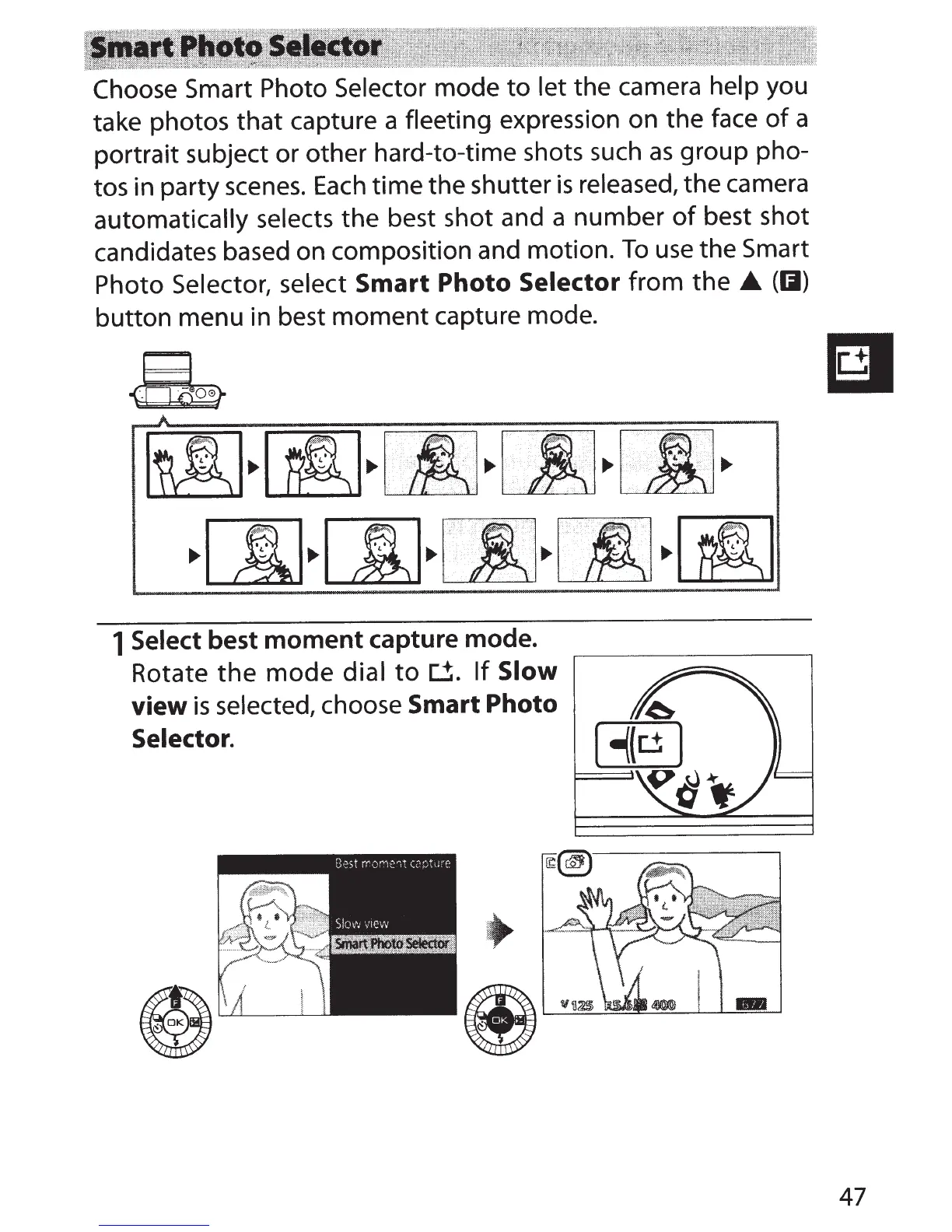
Choose
Smart Photo Selector mode
to
let the camera help you
take photos
that
capture a fleeting expression on the face
of
a
portrait subject or other hard-to-time shots such
as
group pho-
tos in party
scenes.
Each
time the shutter
is
released, the camera
automatically selects the best shot and a
number
of
best shot
candidates based on composition and motion.
To
use
the Smart
Photo Selector, select
Smart
Photo
Selector
from
the
(II)
button menu in best
moment
capture mode.
&
A
~
~
~
.
..
···
.....
··
..
•••··•
·
··
.··.·.
··
... · .... ·.·.· ..
.·
..
·.·
.........
··
··
·••···
.·
~
.
··.·
·
....
· .. ·
···
...
·
..
·.~
..... '.·.· ..
····
..
.
..
·
...
··
·.
rm
.•.
.
....
·.·
·
··.
·
..
·
...
·· .·
..
··
.
·.~
..
..
•·
...
·.·.
··
'
···.··.
·
.···.·
.•
.
~..,~..,LE..,~..,~..,
~[I]~[)J~~~CIJ
~~
1 Select best
moment
capture mode.
Rotate
the
mode
dial
to~.
If
Slow
view
is
selected, choose
Smart
Photo
Selector.
47

Table of Contents

Related product manuals