~
Raising
the
Flash
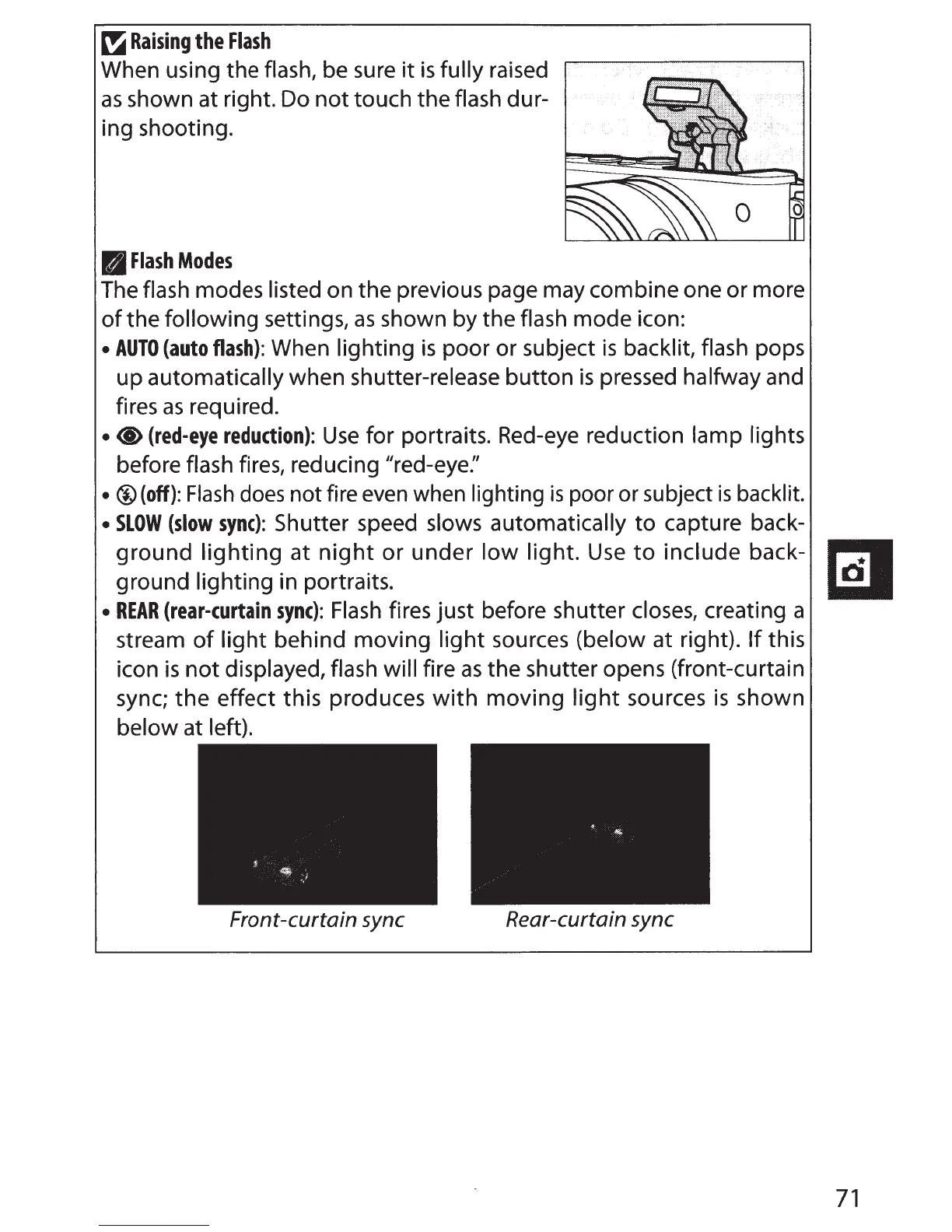
When using the flash, be sure
it
is
fully raised
as
shown at right. Do
not
touch the flash dur-
ing shooting.
B
Flash
Modes
The flash modes listed on the previous page may combine one or more
of
the following settings,
as
shown by the flash mode icon:
•
AUTO
(auto
flash):
When lighting
is
poor or subject
is
backlit, flash pops
up automatically when shutter-release button
is
pressed halfway and
fires
as
required.
•
<I>
(red-eye
reduction):
Use
for portraits. Red-eye reduction lamp lights
before flash fires, reducing "red-eye:'
• ®(off):
Flash
does
not fire
even
when lighting
is
poor or subject
is
backlit.
•
SLOW
(slow
sync):
Shutter speed slows automatically
to
capture back-
ground
lighting
at
night
or under
low
light.
Use
to
include back-
ground lighting in portraits.
•
REAR
(rear-curtain
sync):
Flash
fires just before shutter closes, creating a
stream
of
light
behind moving
light
sources (below at right).
If
this
icon
is
not
displayed, flash will fire
as
the shutter opens (front-curtain
sync;
the
effect this produces
with
moving
light
sources
is
shown
below at left).
Front-curtain
sync
Rear-curtain
sync
71



 To Next Page