72
B
Lowering
the
Built-in
Flash
To
save
power when the flash
is
not
in
use,
press
it
gently downward until the latch
clicks
into place.
Do
not
use
force.
Failure
to
observe this precaution could result in prod-
uct malfunction.
BUsing
the
Built-in
Flash
The built-in flash
can
not
be used
with
live
image control
(OJ
27)
and
will
not
fire during continuous shooting at frame advance rates faster
than 5 fps
(OJ
65)
or when
On
is
selected for
HDR
in the shooting menu
(OJ
40).
If
the flash
is
fired
multiple times in quick succession, the flash
and shutter may be temporarily disabled
to
protect the flash. Shooting
can
be resumed after a brief pause.
Objects
close
to
the camera may
be
overexposed in photographs taken
with the
flash
at high
ISO
sensitivities.
To
avoid vignetting, remove
lens
hoods and shoot at ranges
of
at least
0.6
m
(2
ft). Some lenses
may
cause
vignetting at greater distances or
obstruct the red-eye reduction lamp, interfering
with
red-eye reduc-
tion.
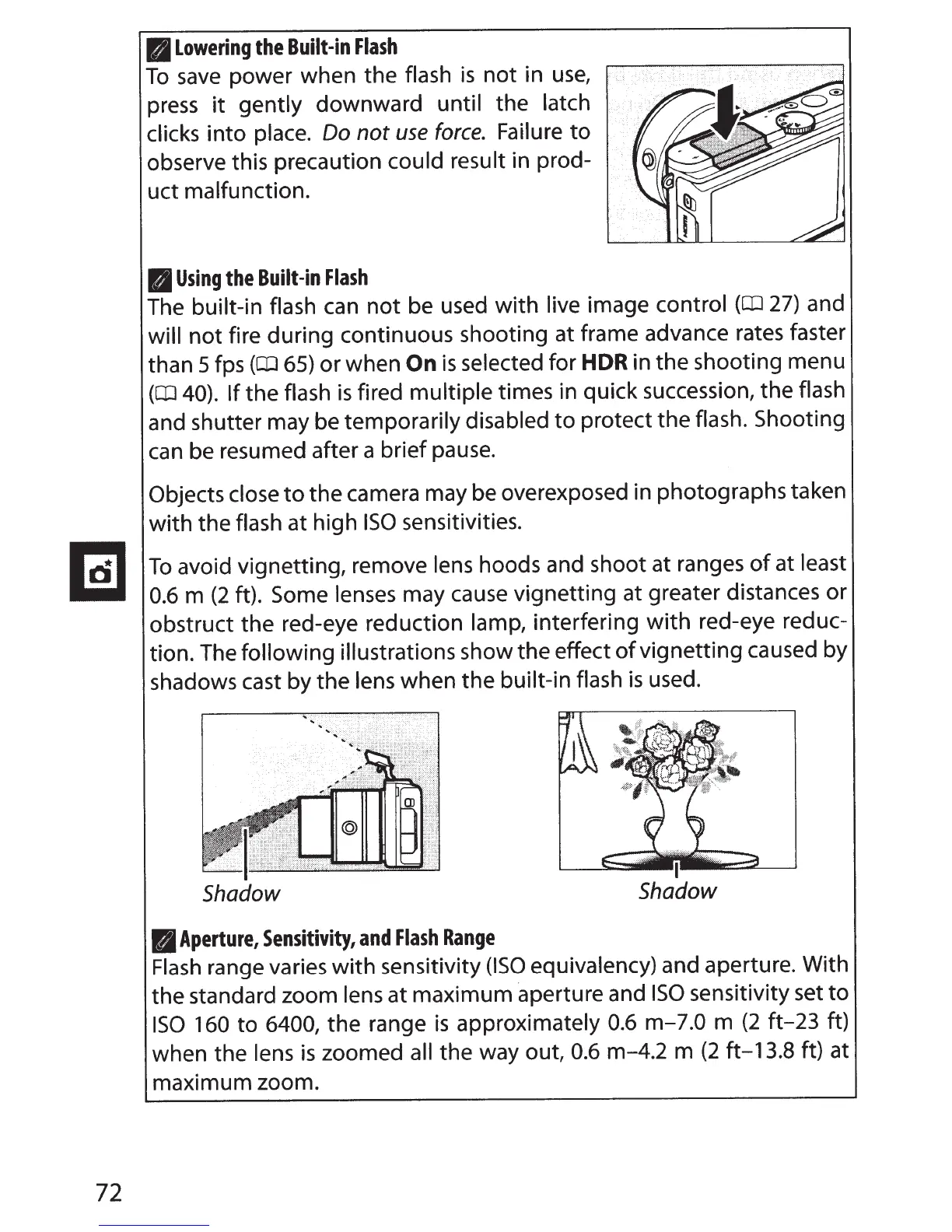
The
following illustrations show the effect
of
vignetting caused by
shadows cast by the
lens when the built-in flash
is
used.
Shadow
B
Aperture,
Sensitivity,
and
Flash
Range
I
Shadow
Flash
range varies
with
sensitivity
(ISO
equivalency) and aperture. With
the standard zoom
lens
at maximum
·aperture
and
ISO
sensitivity set
to
ISO
160
to 6400,
the range
is
approximately
0.6
m-7.0 m
(2
ft-23
ft)
when the
lens
is
zoomed all the way out,
0.6
m-4.2 m
(2
ft-13.8 ft) at
maximum zoom.



 To Next Page