14
3
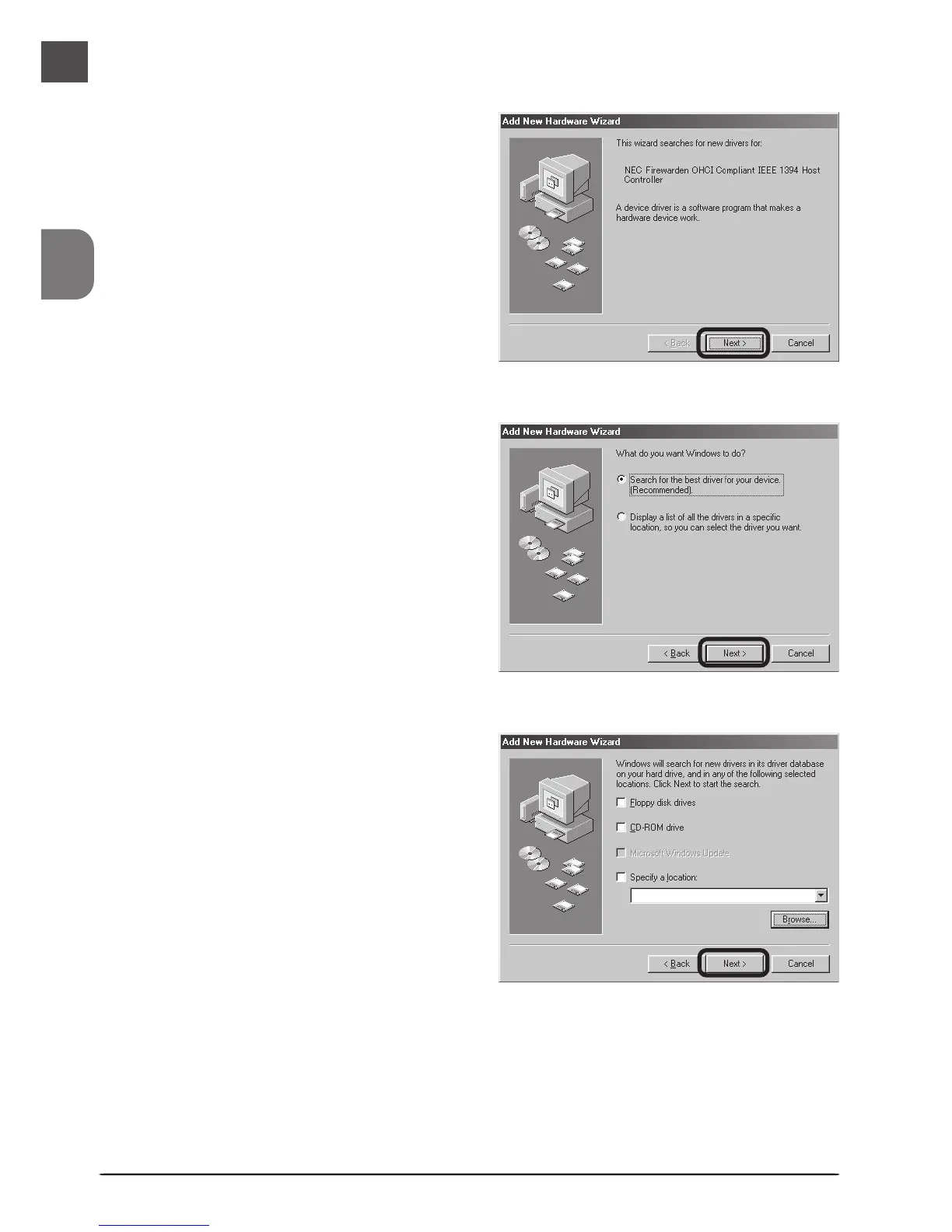
The dialog shown at right will be dis-
played. After making sure that none
of the options are selected, click Next.
2
Select Search for the best driver for
your device (Recommended) and click
Next.
1
The first time the computer is powered
on with the board in place, the dialog
shown at right will be displayed. Click
Next.
Windows 98 Second Edition (SE)












 To Next Page