37
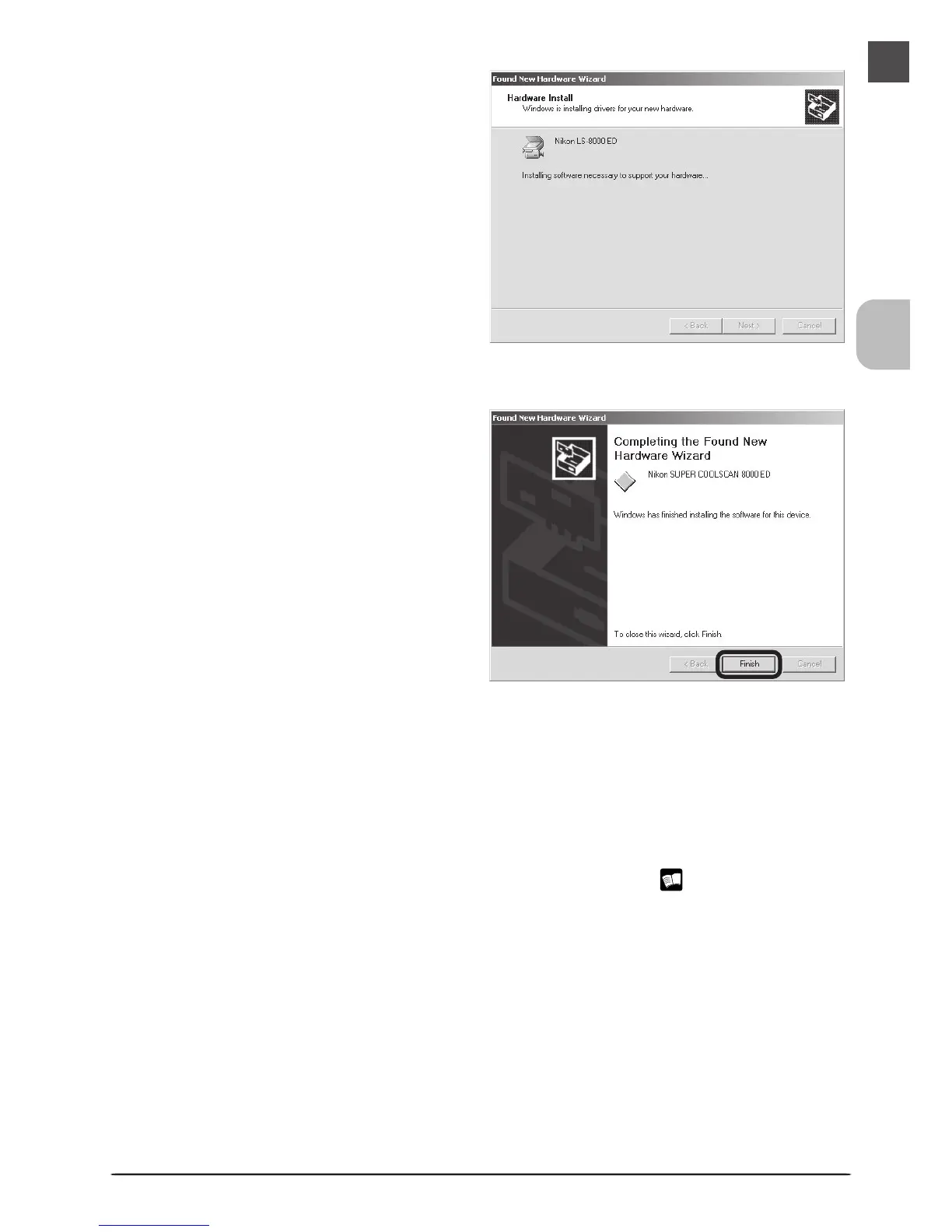
The dialog shown at right will be displayed
while Windows registers the scanner.
10
Restart the computer
Click Yes to restart the computer.
11
Confirm device registration
Confirm that the scanner has been correctly registered with the system as described in
“Confirming Device Registration (Windows 2000 Professional)” ( 38).
9
Click Finish
Click Finish to complete installation.












 To Next Page