39
5
Confirm that the scanner is working properly
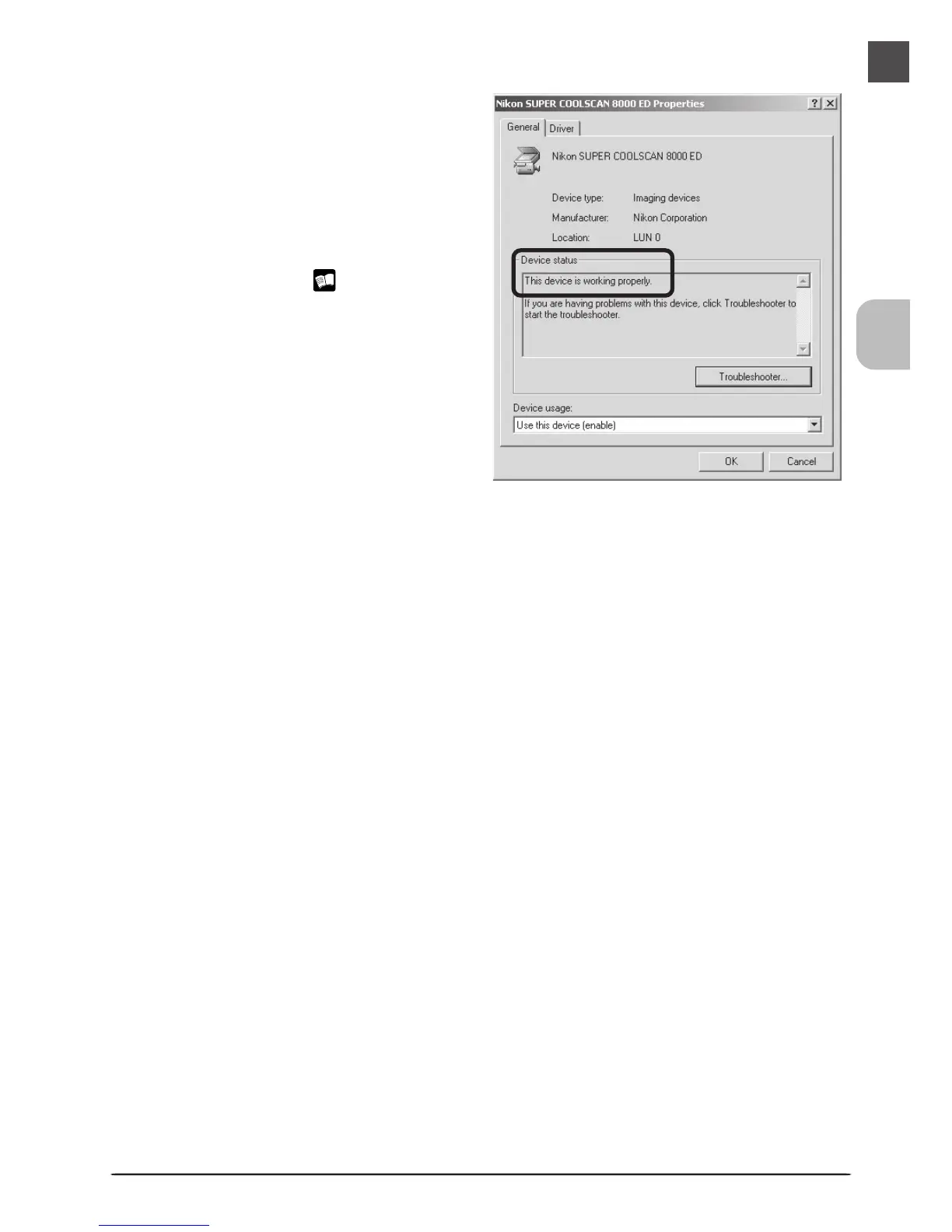
Double-click the listing for your scanner
that appears under “Imaging devices.”
The scanner Properties dialog will be dis-
played. Click the General tab and con-
firm that “This device is working prop-
erly” appears under “Device Status.” If
another message is displayed, proceed to
“Updating the Device Driver (Windows
2000 Professional)” ( 40).












 To Next Page