63
1
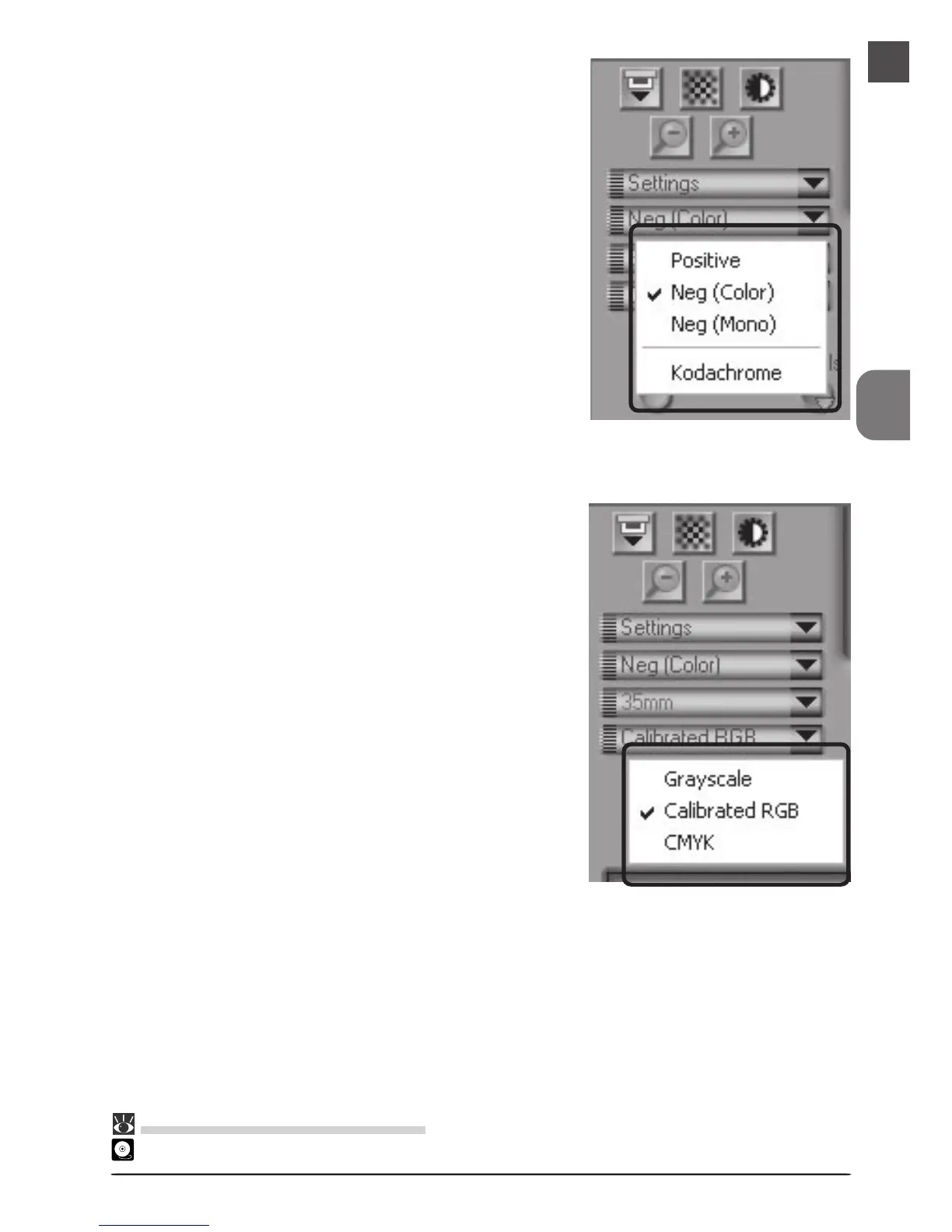
Choose the type of film to be scanned
from the Nikon Scan media-type
menu.
2
Choose a color model from the color-
model menu. Calibrated RGB is the
best choice in most circumstances. The
Grayscale option is for use when scan-
ning black-and-white (monochrome)
film, while CMYK is intended for pro-
fessionals who wish to create a file
ready for printing on an industrial
four-color printer.
Pg. For more information on:
26 Making a scan












 To Next Page