64
3
Choose the frames to be scanned
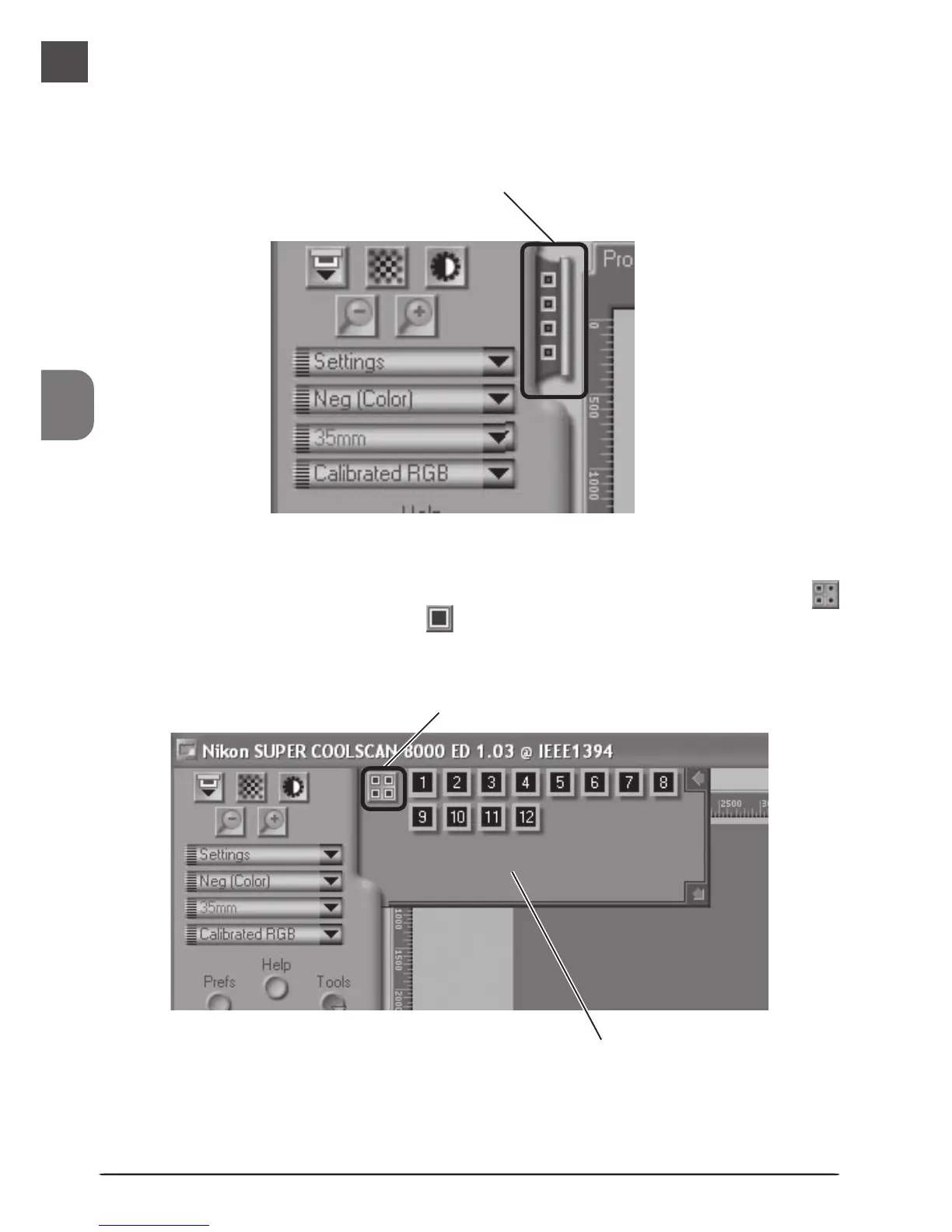
Click the thumbnail drawer tab to open the thumbnail drawer (the thumbnail drawer is
not available when the optional FH-869GR rotating glass-covered holder for medium for-
mat film is inserted in the scanner).
Thumbnail drawer tab
Frames are identified by frame number (the number of frames displayed varies with the
type of holder used). To view frames as small preview images (thumbnails), click the
button. The button will change to ; click the button again to return to the frame-
number display.
Click here to display and hide thumbnails
Thumbnail area












 To Next Page