65
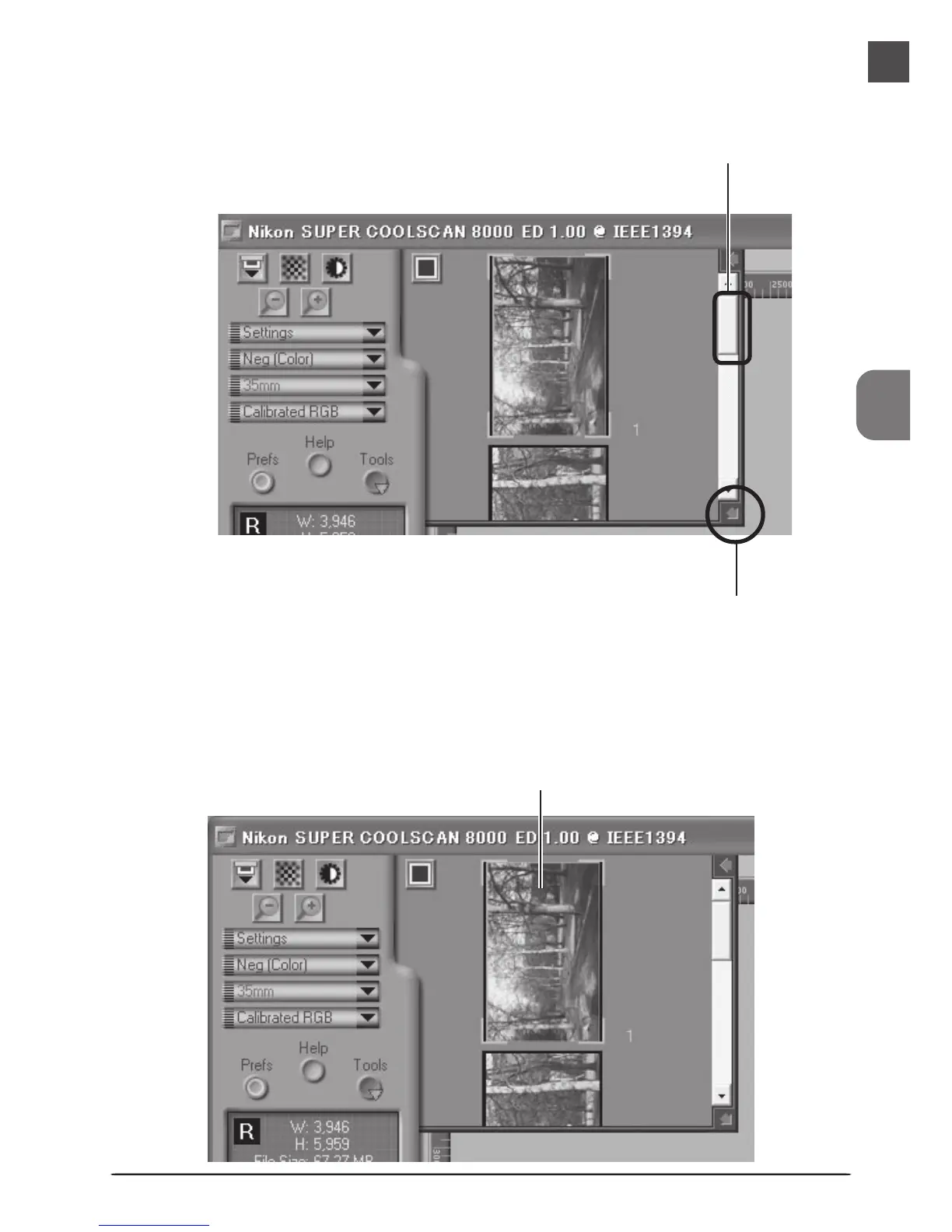
If the thumbnail drawer is too small to display all frames at once, you can enlarge the drawer by
dragging the lower right corner, or use the scroll bar to view frames that can not be displayed
in the drawer.
Scroll bar
Drag to enlarge thumbnail area
The frame to be scanned can be selected by clicking the associated frame number or thumb-
nail. To select multiple frames, hold down the Ctrl (Windows) or command (Macintosh) key
while clicking frames one at a time, or hold down the shift key while clicking two images to
select these images and all frames between them.
Selected thumbnail












 To Next Page