70
8
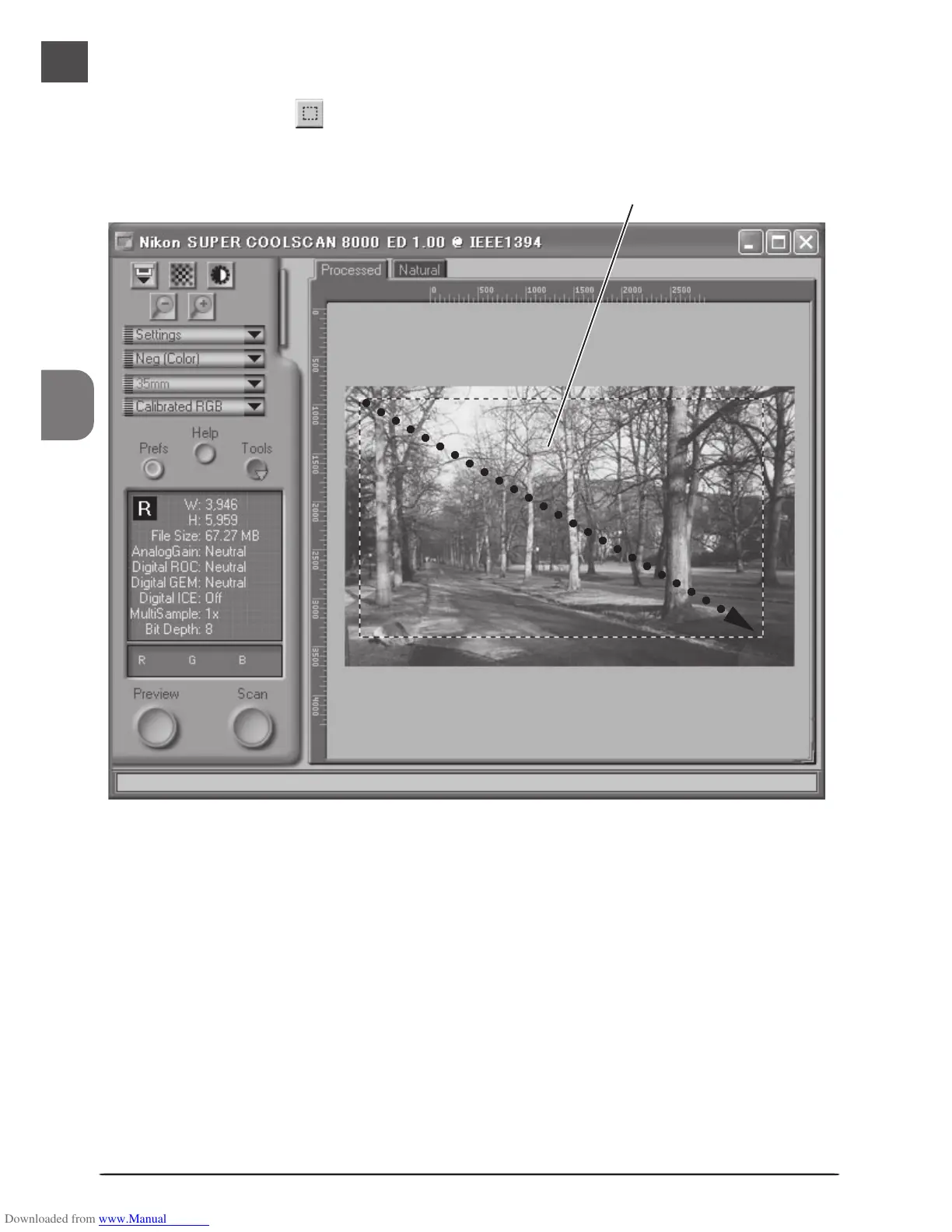
Select a crop
Select a portion of the image for scanning. This selection is referred to as the “crop.”
Click the Crop tool ( ) in the Layout Tools palette and drag the mouse to select a crop.
The borders of the crop are indicated by a dotted line.
Selected area (“crop”)
The size of the crop can be changed by dragging its boundaries. To change the position of
the crop, place the cursor inside the selected area and drag it to a new location.
○○○○○○○○○○○○○○○○○○○○○○○○○○












 To Next Page