71
Pg. For more information on:
46 The Crop palette
9
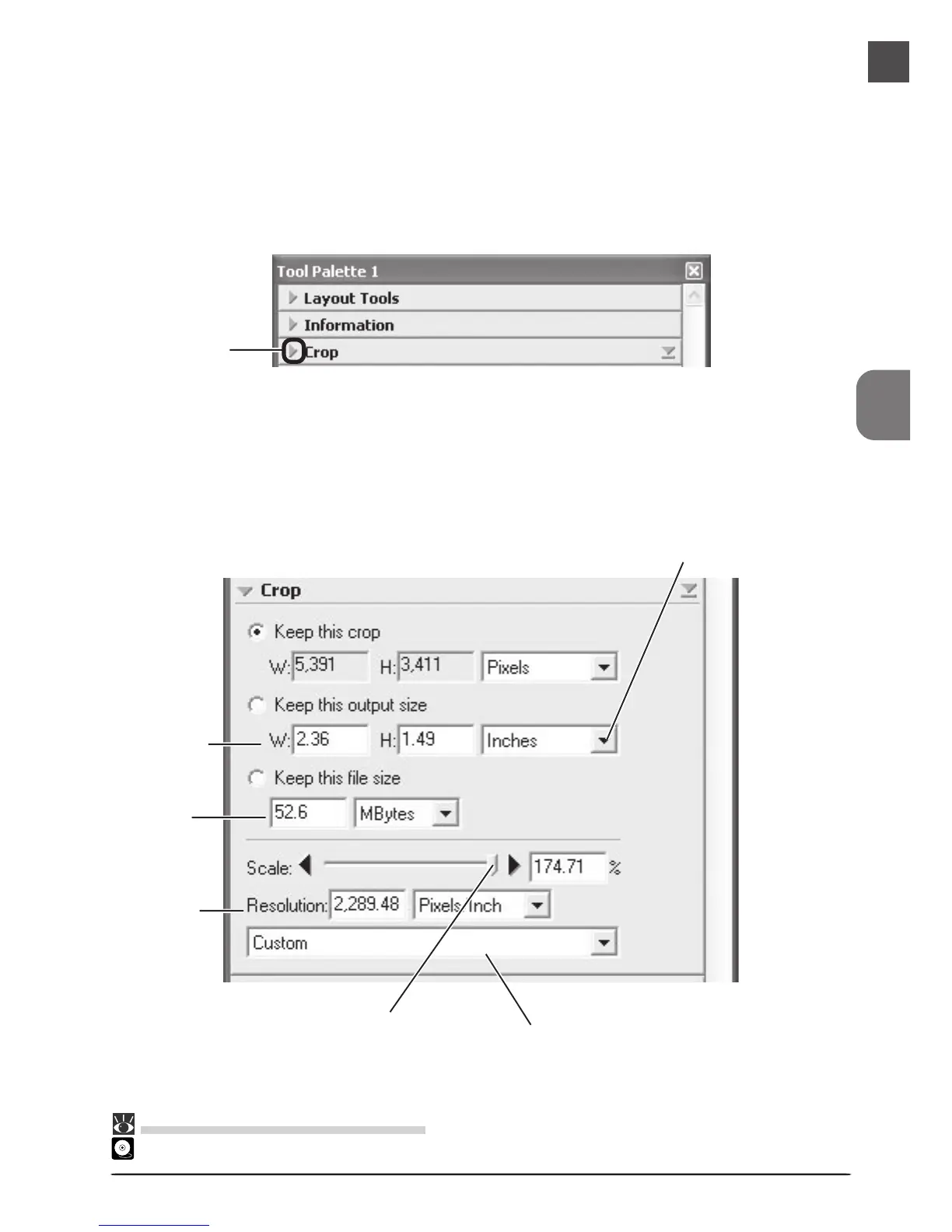
Choose an output size and resolution
If desired, you can specify the dimensions and resolution of the final image (“output size
and resolution”). Click the triangle at the top left corner of the Crop palette to view the
controls in the Crop palette.
Click
The Crop palette contains three options for determining output size: Keep this crop,
Keep this output size, and Keep this file size.
Output units menu
Output size
text boxes
File size
text box
Resolution
text box
Scale slider Output resolution menu












 To Next Page