• When shutter release button is lightly pressed, the camera focuses automatically
and focus indicator appears or blinks as follows:
• appears: Subject is
in
focus.
,
l/
-/
___
blinks: Unable
to
focus using autofocus.
I'
•
Wi
th dark subjects, the camera's AF-Assist
Il
luminator (page 50) is automatically
activated
to
guide autofocus (except
in
0 or
~
Q
)
.
Check
po
i
nts
• Diopter adjustment (page
73)
enables you
to
see more clearly through the
viewfinder.
•
To
take a picture of a subject outside the focus area, shift the focus area (page
48)
or
use focus lock (page
52).
• In situations where autofocus may not work
as
expected, see page 27.
Built-in
Speedlight
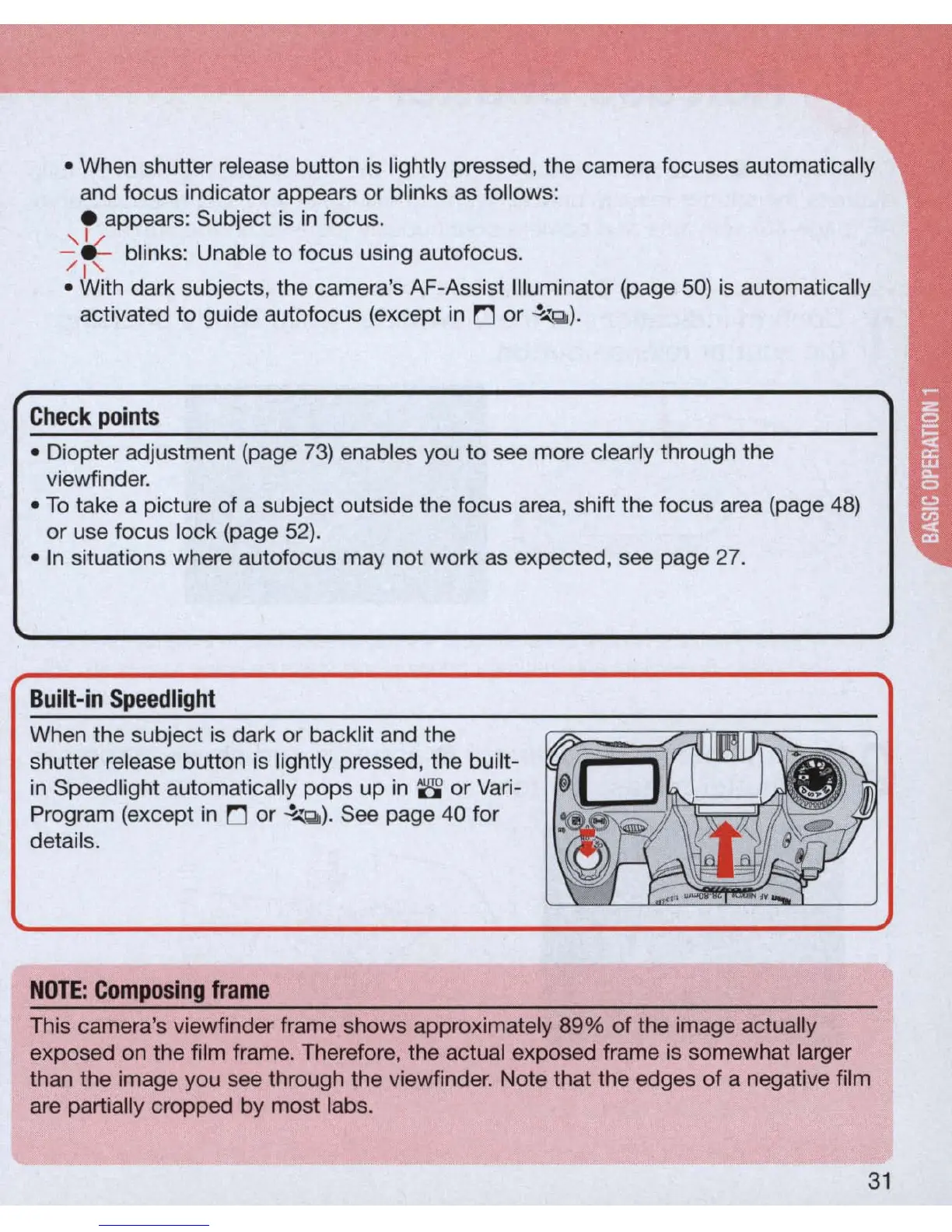
When the subject is dark
or
backlit and the
shutter release button
is
lig
htly pressed, t
he
buil
t-
in
Speed light automatica
ll
y pops up in
S'
or
Var
i-
Program (except
in
0 or
~
Q
).
See page 40 for
details.
NOTE:
Composing
frame
This camera's viewfinder frame shows approximately 89% of the image actually
exposed on the film frame. Therefore, the actual exposed frame is somewhat larger
than the image you see through the viewfinder. Note that the edges of a negative film
are partially cropped by most labs.
31



 To Next Page