3
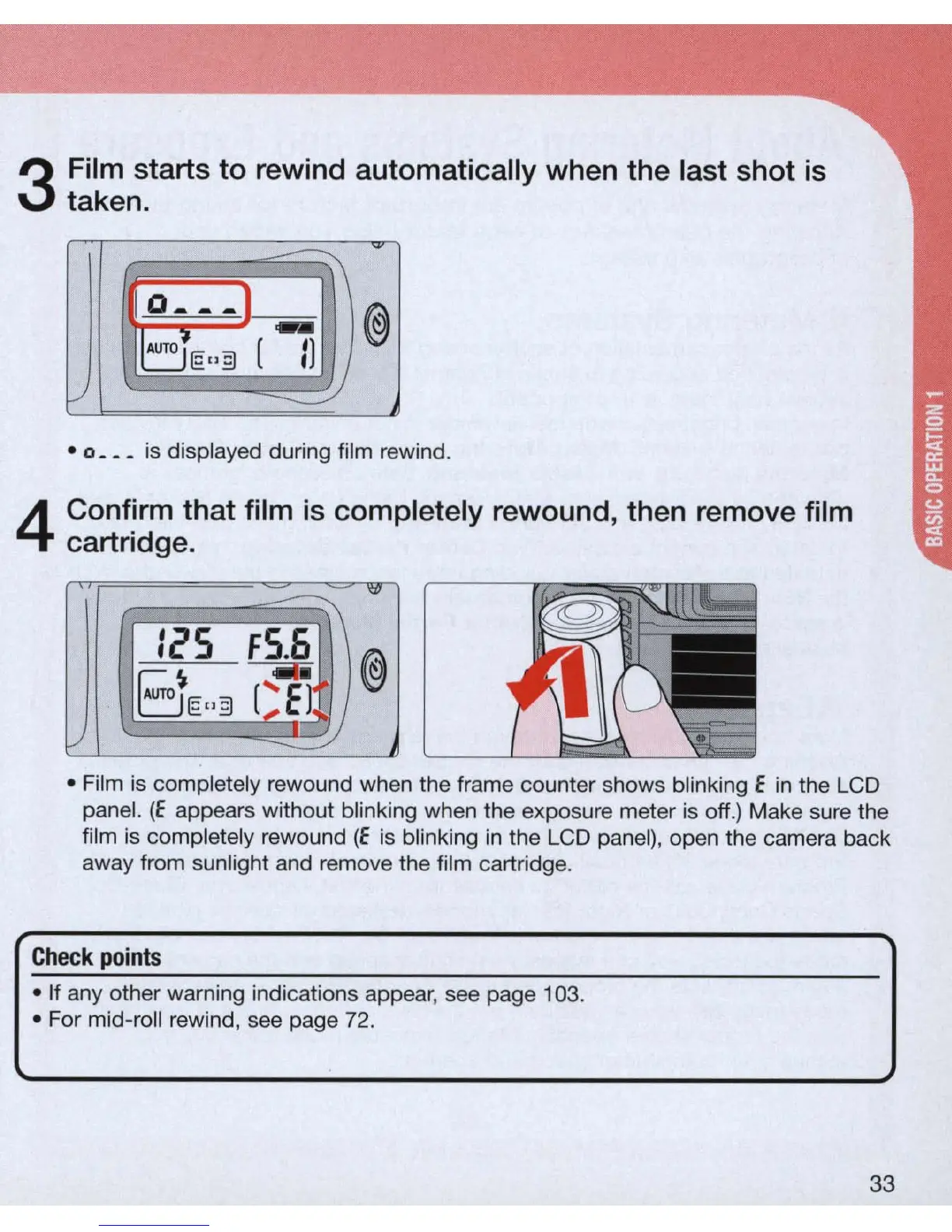
Film starts to rewind automatically when the last shot
is
taken.
~
0_
--
1
@
dE"3
.-
(
Il
V
2J
· 0 _
__
is displayed during film rewind.
4
Confirm that film
is
completely rewound, then remove film
cartridge.
<1l
IcS
FS.6
@
B
----
1£"3
eEl I)
v
--------
• Film is completely rewound when the frame counter shows blinking E
in
the LCD
panel.
(E
appears without blinking when the exposure meter is off.) Make sure the
film is completely rewound
(E
is blinking
in
the LCD panel), open the camera back
away from sunlight and remove the film cartridge.
Check
po
i
nts
• If any other warning indications appear, see page 103 .
• For mid-roll rewind, see page 72.
33



 To Next Page