Shooting with Vari-Program
---
Vari-Program gives you the option
to
choose from Portrait, Landscape, Close-
Up, Sports Continuous or Night Portrait
mode-designed
for specific picture-
taking situations and photographic images .
. . . . . . . . . . . . . . . . . . . . .
..
. . . .
..
. . . . . .
..
. .
..
.
..
. . . . . . . . .
1
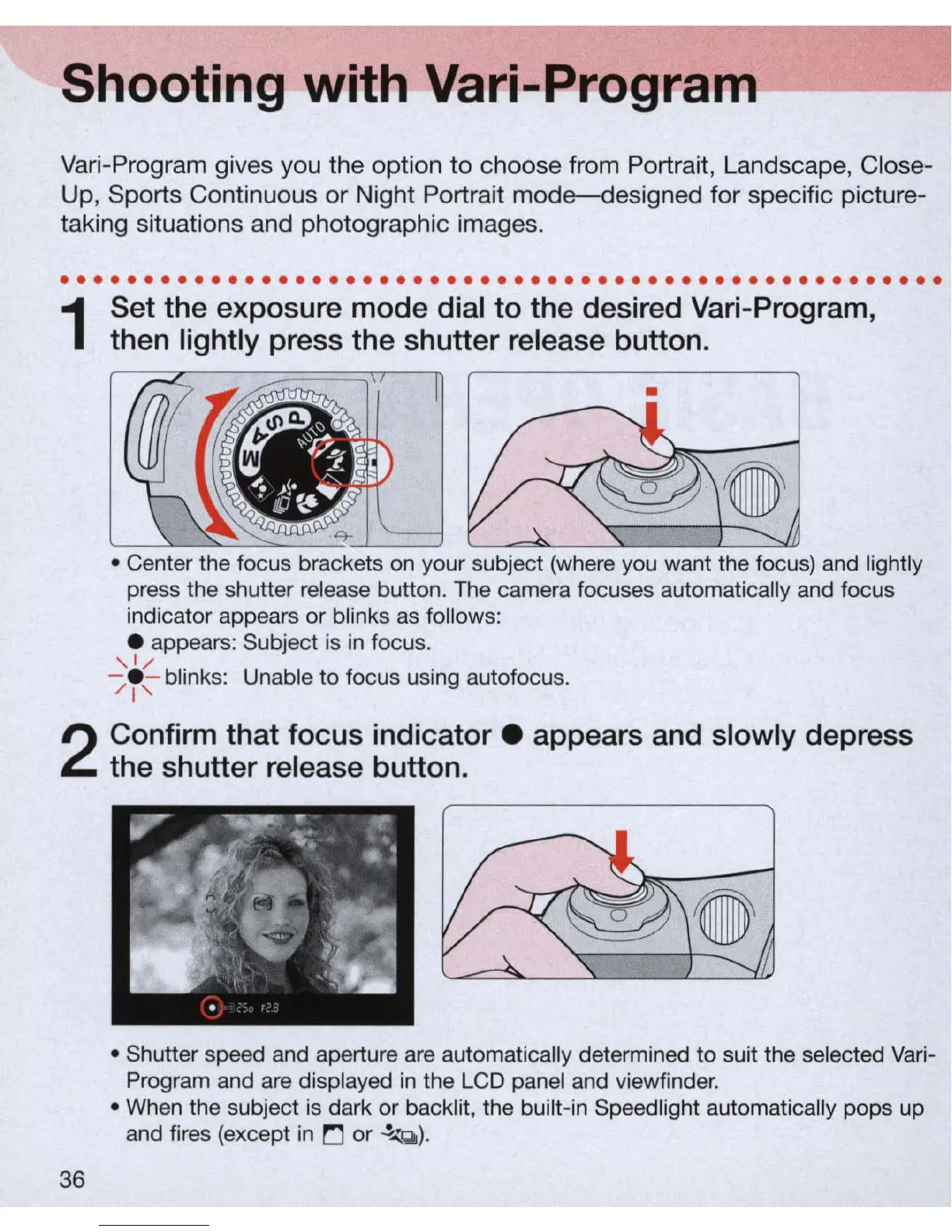
Set the exposure mode dial to the desired Vari-Program,
then lightly press the shutter release button .
•
• Center the focus brackets on your subject (where you want the focus) and lightly
press the shutter release button. The camera focuses automatically and focus
indicator appears or blinks
as
follows:
e appears: Subject is
in
focus.
, 1/
-/e - blinks: Unable
to
focus using autofocus.
I'
2
Confirm that focus
indicator.
appears and slowly depress
the shutter release button .
36
• Shutter speed and aperture
are
automatically determined
to
suit the selected
Vari
-
Program and
are
displayed
in
the LCD panel and viewfinder.
• When the subject
is
dark
or
backlit, the built-in Speedlight automatically pops up
and fires
(e
xcept
in
!":J
or
.!...z
Q
).



 To Next Page