2
3
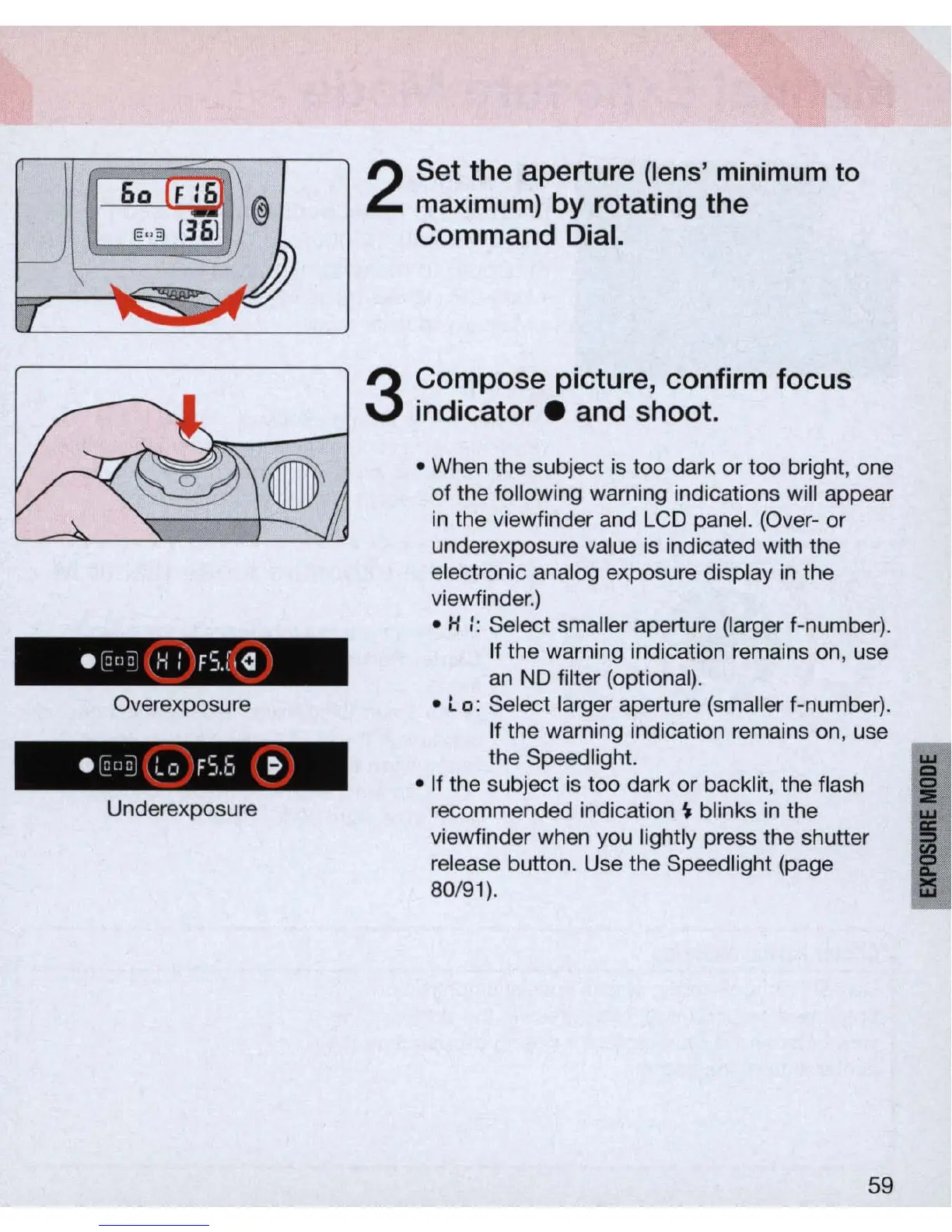
Overexposure
Underexposure
Set the aperture
(lens
'
minimum
to
m
axi
mum)
by rotating the
Command Dial.
Compose picture, confirm focus
indicat
or.
and shoot .
• When the subject is too dark
or
too bright, one
of the following warning indications will appear
in
the viewfinder and LCD panel. (Over- or
underexposure value
is
indicated with the
electronic analog exposure display
in
the
viewfinder.)
• H :: Select smaller aperture (larger f-number).
If the warning indication remains
on
, use
an
ND
filter (optional) .
• l 0: Select larger aperture (smaller f-number).
If the warning indication remains on, use
the Speed
li
ght.
• If the subject is too dark
or
backlit, the flash
recommended indication
~
blinks
in
the
viewfinder when you lightly press the shutter
release button. Use the Speedlight (page
80
/91).
59
I
I



 To Next Page