Lens
Compatibility-continued
When
a
non-CPU
lens
is
attached
Set exposure mode
to
M with a non-CPU lens.
(W
h
en
other modes
are
selected, shutter cannot be
c50 r
f-
-
released.) The camera's exposure meter cannot be
@
used and the aperture ca
nn
ot be set using the
[
36J
Command D
ial
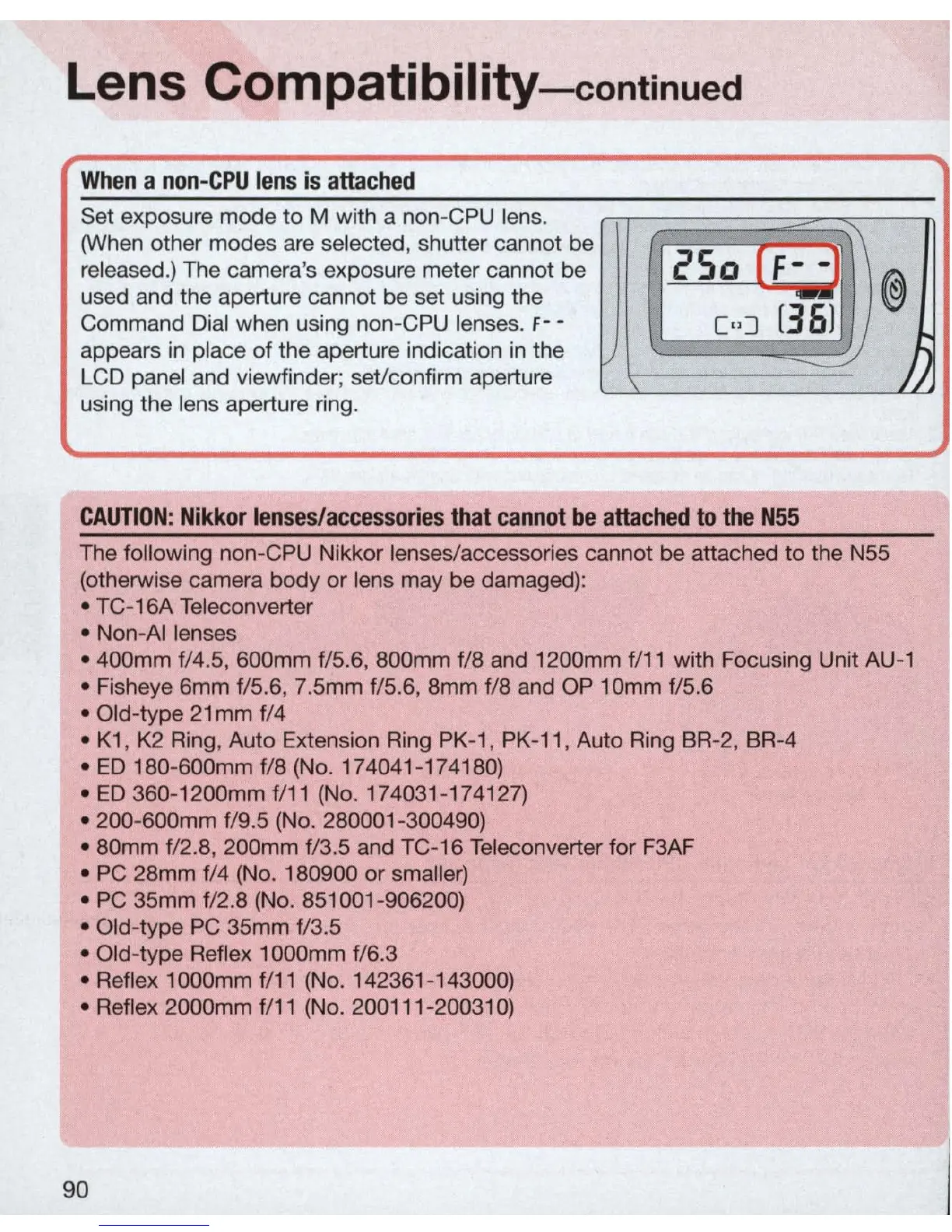
when using non-CPU lenses. f - -
C,,]
appears
in
place of the aperture indication in the
~
LCD panel and viewfinder; set/confirm aperture
using the lens aperture
ri
ng.
CAUTION
: Nikk
or
lenses/ac
c
essories
that
cannot
be
attached
to
the
N55
The following non-CPU Nikkor lenses/accessories cannot be attached to the
NSS
(otherwise camera body
or
lens may be damaged):
•
TC
-16A Teleconverter
• Non-
AI
lenses
Jj
• 400mm f/4.S, 600mm f/S.6, 800mm f/8 and 1200mm f/
11
with Focusing Unit AU-1
• Fisheye 6mm
f/S.6, 7.Smm tlS.6, 8mm f/8 and OP 10mm f/S.6
• Old-type
21
mm
f/4
•
K1
,
K2
Ring, Auto Extension Ring
PK
-
1,
PK
-
11
, Auto Ring
BR
-
2,
BR-4
•
ED
180-600mm f/8 (No. 174041-1741
80)
•
ED
360-1200mm f/11 (No. 174031-174127)
• 200-600mm
f/9.S (No. 280001 -300490)
• 80mm
f/
2.8
, 200mm f/3.S and
TC
-16 Teleconverter for
F3
AF
•
PC
28mm f/4 (No. 180900 or smaller)
•
PC
3Smm f/
2.8
(No.
8S1001
-906200)
• Old-type
PC
3Smm f/3.S
• Old-type Reflex 1
OOOmm
f/6.3
•
Re
flex 1000mm f/
11
(No. 142361-143000)
• Reflex 2000mm
f/
11
(No.
200111-20031
0)
90



 To Next Page