III
Check
points
z
--------~---------------------------------------
0
~
o Diopter adjustment (page
66)
enables you to see more clearly through
a:
the viewfinder.
~
o
To
take a picture of a subject outside the focus area, shift the focus
~
area by using the focus area selector (page
42)
or use focus lock (page
Ci)
~.
~
o N80QD only:
You
can imprint date and/or time on your photos/
negatives (page
90)
.
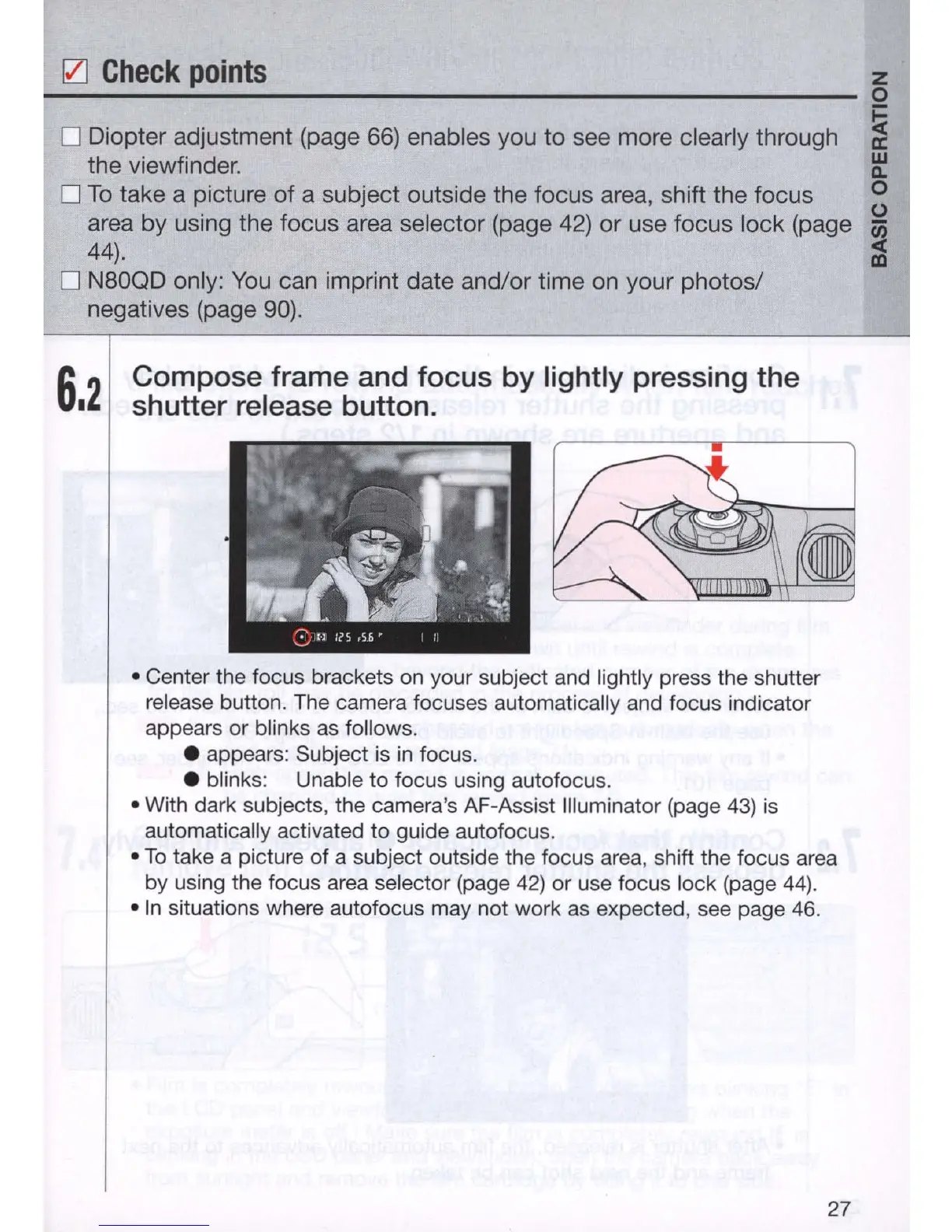
6.2
Compose frame and focus by lightly pressing the
shutter release button.
• Center the focus brackets on your subject and lightly press the shutter
release button. The camera focuses automatically and focus indicator
appears or blinks
as
follows .
• appears: Subject is
in
focus .
• blinks: Unable to focus using autofocus.
• With dark subjects, the camera's AF-Assist Illuminator (page
43)
is
automatically activated to guide autofocus.
•
To
take a picture of a subject outside the focus area, shift the focus area
by using the focus area selector (page
42)
or use focus lock (page
44)
.
•
In
situations where autofocus may not work
as
expected, see page 46.
27



 To Next Page