Self-Timer Operation
•
You
can use the self-timer when you want to be
in
t
he
photograph.
Us
e
a tripod or place the camera on a stable surface befo
re
using the
se
lf-
timer.
68
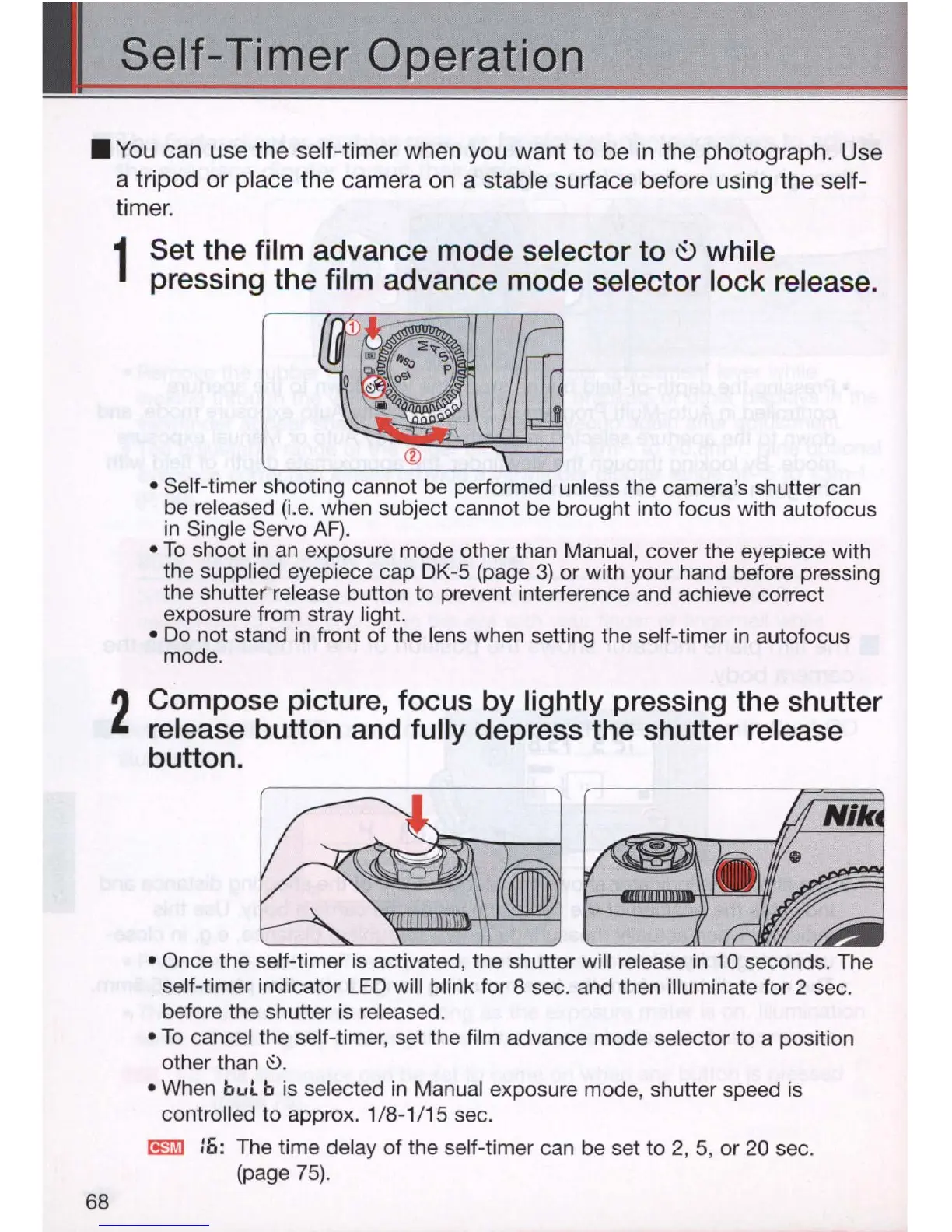
1
Set the film advance mode selector to
~
while
pressing the film advance mode selector lock release.
• Self-timer shooting cannot be performed unless the camera's shutter can
be released (i.e. when subject cannot be brought into focus with autofocus
in
Single Servo
AF)
.
•
To
shoot
in
an
exposure mode other than Manual, cover the eyepiece with
the supplied eyepiece cap
DK
-5 (page
3)
or with your hand before pressing
the shutter
re
lease button to prevent interference and achieve correct
exposure from stray light.
• Do not stand in front
of
the lens when setting the self-timer
in
autofocus
mode.
2
Compose picture, focus by lightly pressing the shutter
release button and fully depress the shutter release
button.
• Once the self-timer is activated, the shutter will release in 10 seconds. The
self-timer indicator
LE
D will blink for 8 sec. and then i
ll
uminate for 2 sec.
before the shutter is released.
•
To
cancel the self-timer, set the film advance mode selector to a position
other than
.::>.
• When
bul
b is selected
in
Manual exposure mode, shutter speed is
controlled to approx. 1/8-1/15 sec.
I!§i'iJ
16
: The time delay
of
the self-timer can be set to 2, 5, or 20 sec.
(page
75)
.



 To Next Page