II
Focus Area
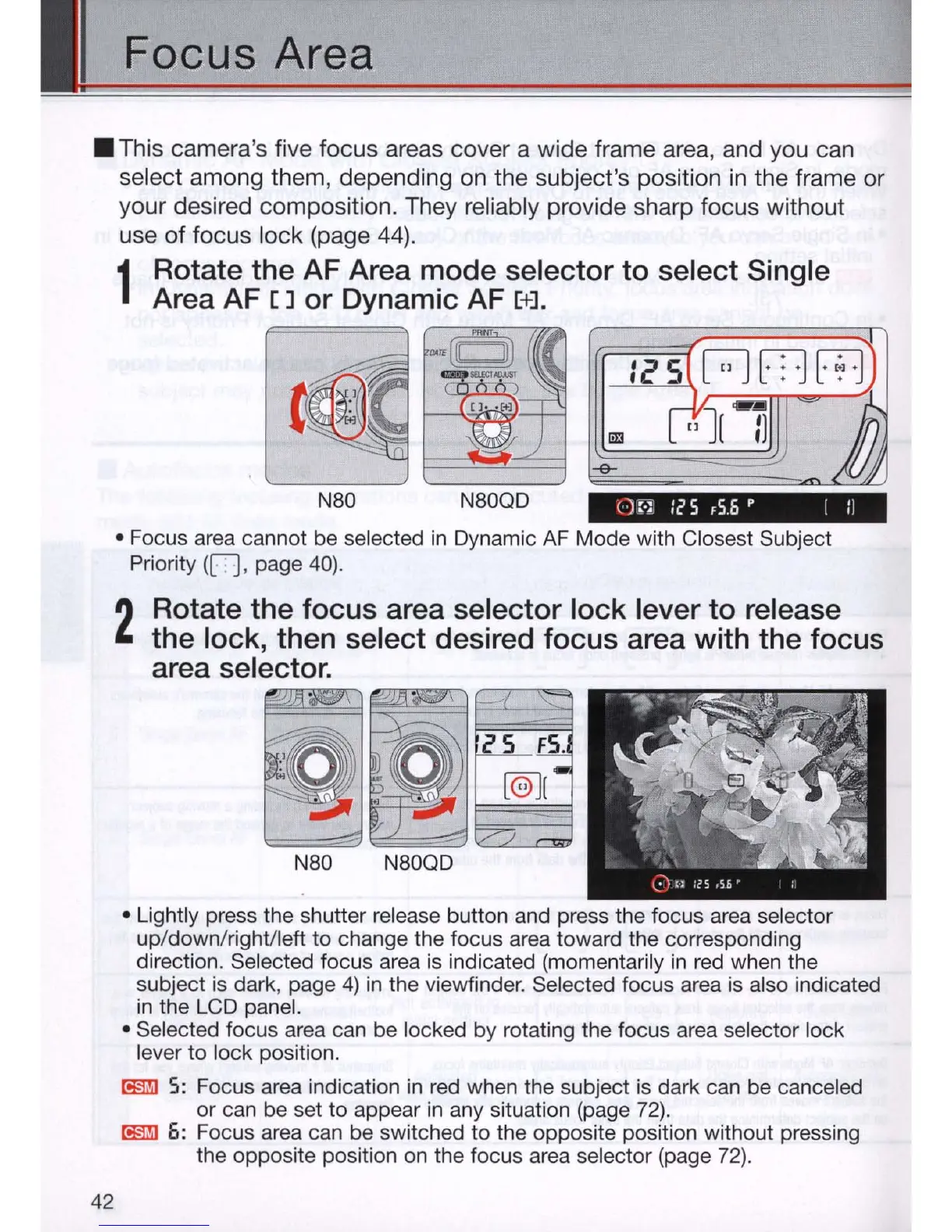
• This camera's five focus areas cover a wide frame area, and you can
select among them, depending
on
the subject's position
in
the frame or
your desired composition. They reliably provide sharp focus without
use
of
focus lock (page
44)
.
42
1
Rotate the AF Area mode selector to select Single
Area AF
[]
or Dynamic AF [+].
~
~~raJ
.,"",
.....
~
~:
(J
• •
E!
Nao
NaOQO
()
:.~
Ie
S ,S 6 P I II
• Focus area cannot be selected
in
Dynamic
AF
Mode with Closest Subject
Priority
(R , page
40)
.
2
Rotate the focus area selector lock lever to release
the lock, then select desired focus area with the focus
area selector.
~I
~
Nao NaOQO
• Lightly press the shutter release button and press the focus area selector
up/down/righVleft to change the focus area toward the corresponding
direction. Selected focus area is indicated (momentarily
in
red when the
subject is dark, page
4)
in
the viewfinder. Selected focus area is also indicated
in
the LCD panel.
• Selected focus area can be locked by rotating the focus area selector lock
lever
to
lock position.
[!§J!j]
5:
Focus area indication
in
red when the subject is dark can be canceled
or can be set to appear
in
any situation (page 72).
[!§J!j] 6: Focus area can be switched
to
the opposite position without pressing
the opposite position on the focus area selector (page
72)
.



 To Next Page