Depth-of-Field
Preview/Film
Plane
Indicator
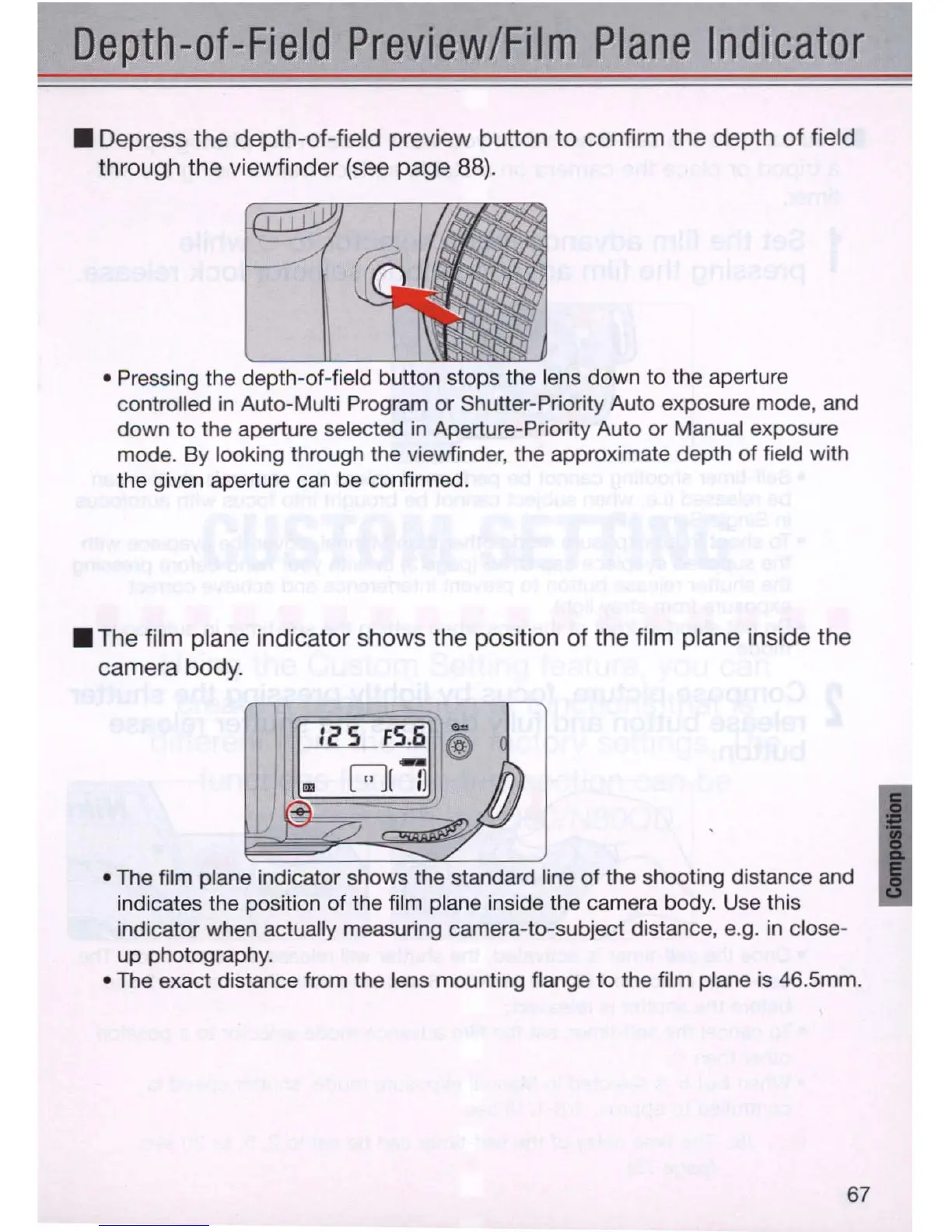
• Depress the depth-of-field preview button to confirm the depth of field
through the viewfinder
(see
page
88).
• Pressing the depth-of-field button stops the lens down to the aperture
controlled
in
Auto-Multi Program or Shutter-Priority Auto exposure mode, and
down to t
he
aperture selected
in
Aperture-Priority Auto or Manual exposure
mode. By looking through the viewfinder, the approximate depth of field with
the given aperture can be confirmed .
• The film plane indicator shows the position of the film plane inside the
camera body .
• The film plane indicator shows the standard line of the shooting distance and
indicates the position of the film plane inside the camera body. Use this
indicator when actually measuring camera-to-subject distance, e.g.
in
close-
up photography .
• The exact distance from the lens mounting flange to the film plane
is
46.5mm.
67



 To Next Page