32
VA: 86°35´40" ■■■
HL 102°52´40"
2) Horizontal Angle
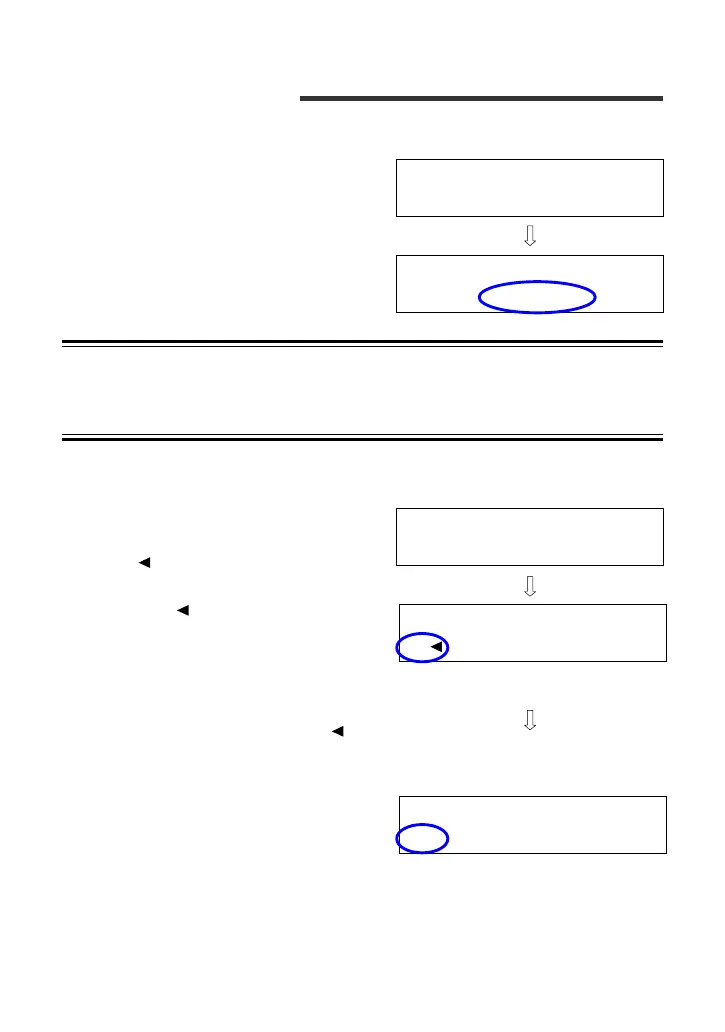
<1> Horizontal Angle Zero Reset
Depress the [RESET] key to reset
the horizontal angle to 0°.
NOTE • The [RESET] key must be held down until the buzzer sounds
3 times. The horizontal angle will not reset if the key is
released before the third beep.
<2> Reverse (Counterclockwise) Horizontal Angle Scale
Depress the [R/L] key to display
the reverse horizontal angle scale
(HL ).
The “HL ” angle display
increases as the upper plate is
rotated counterclockwise, as
viewed from above.
Horizontal angle 0° reset can also
be performed while the “HL ”
angle is displayed.
Depress the [R/L] key again to
restore the regular angle display.
VA: 136°42´50" ■■■
HA: 165°28´10"
[RESET] key
VA: 136°42´50" ■■■
HA: 0°00´00"
VA: 86°35´40" ■■■
HA: 157°07´20"
[R/L] key
VA: 86°35´40" ■■■
HA: 157°07´20"
[R/L] key



 To Next Page