30
Chapter 3
Shooting Practice and Flash Mode
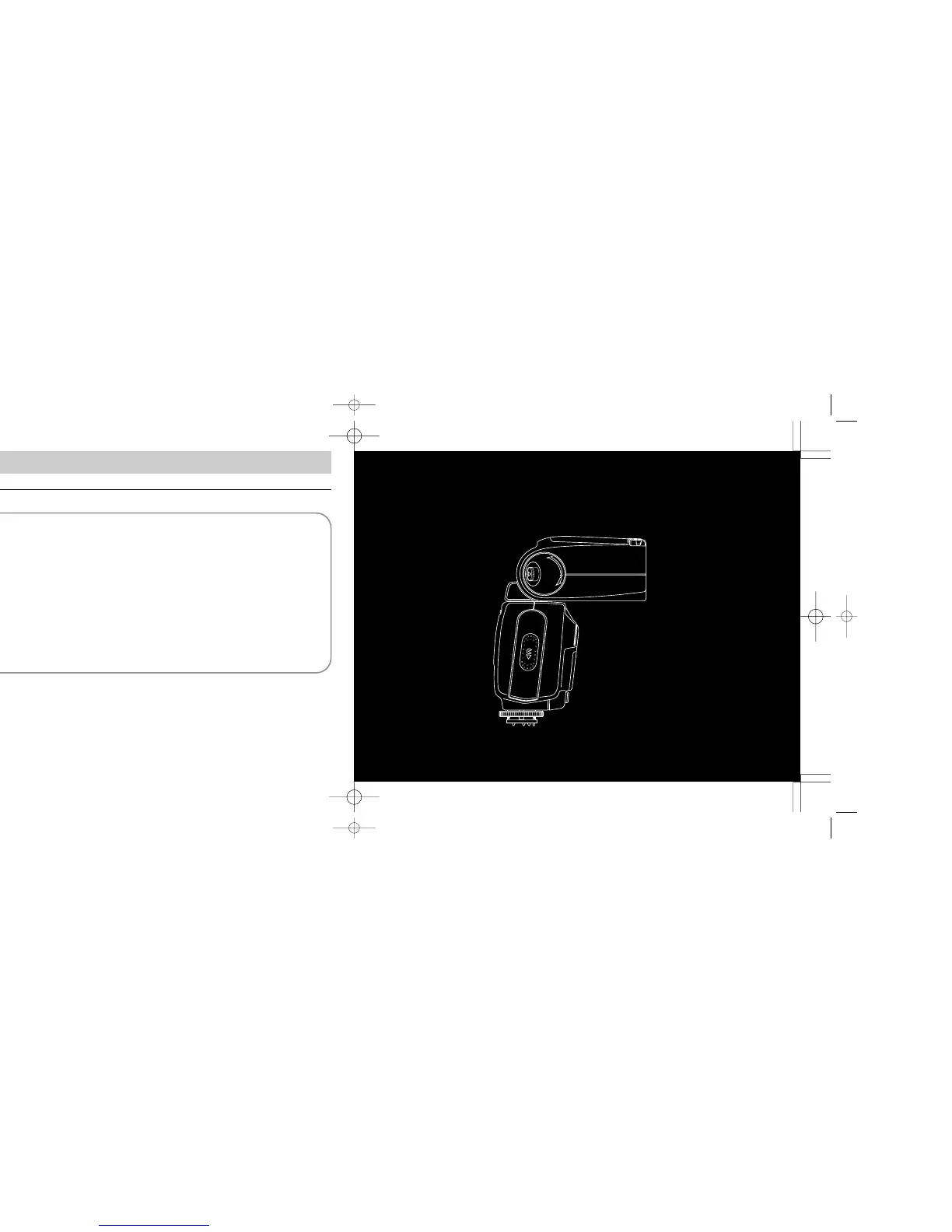
Automatic zoom-head position adjustment: F5,
F90X/N90s, F90-Series/N90, F70-Series/N70, F4-
Series, F-801/N8008, or F-801s/ N8008s used with an
AF Nikkor lens (including the latest D-Type) or Nikkor
lens having a built-in CPU
No manual adjustment is required with these camera/
lens combinations, because the SB-26 automatically
adjusts the zoom-head position to provide an angle of
coverage that matches the focal length of the lens in use.
With an AF Nikkor lens of fixed focal length (including
the latest D-Type), the zoom head automatically adjusts
to the closest available wider focal length setting.
With a zoom lens, the zoom head automatically adjusts
within the limits of the available coverage (from 24mm to
85mm).
You must set zoom-head position manually when
using your camera with other lenses or to select a specif-
ically desired position.
For manual adjustment (with same camera/lens com-
binations as above)
Press ¸ button until your desired zoom-head position
appears in the LCD panel, and note the small m above
the z (shown as ≈). Automatic adjustment will
resume when the m disappears.
Adjustment Functions
Chapter
2
SB-26 (E) 03.1.14 7:16 PM Page 30





 To Next Page