117116
• When using a remote cord with the FA or FE2 connected
to Nikon Motor Drive MD-12, camera remains on as long
as the MD-12’s power switch is on. In this case, the SB-26
will not turn off in STBY position.
Use OFF position to turn it off manually.
• You cannot use the STBY position to turn on the SB-26
when using it with an FA, FE2 or FG set on a mechanical
shutter setting (M250 or B setting with the FA or FE2, M90
or B setting with FG or Nikonos V).
Use ON position to turn it on manually.
Chapter
4
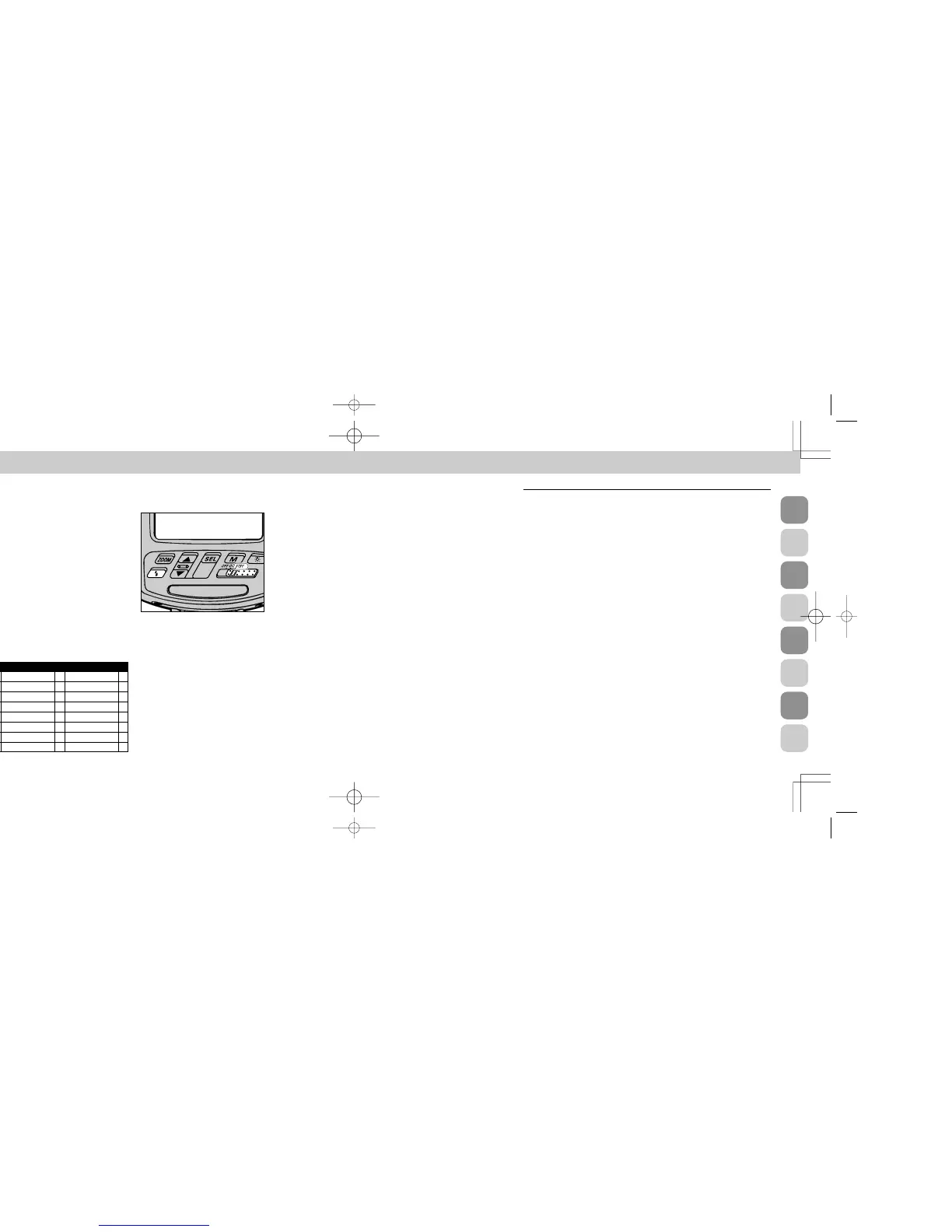
Power Switch Standby (STBY) Position — To Conserve Energy and Shorten Recycling Time
Setting the power switch to STBY position turns on the
SB-26, but the SB-26 will also automatically shut off to con-
serve flash battery energy.
When you will not use the SB-26 for a long time, howev-
er, it is recommended to set the power switch to OFF.
Hints and Notes
• With the SB-26’s power switch on standby (STBY) posi-
tion, the unit turns off to conserve energy approx. 80 sec.
after the camera’s meter has turned off.
• To turn the SB-26 on again, lightly press the shutter
release button to turn the camera’s meter on, or push the
SB-26’s open-flash button Â.
F5
E F-601M/N6000 E FE2 E
F90X/N90s
E
F50-Series/N50
E FG E
F90-Series/N90
E F-401x/N5005 E Nikonos V E
F70-Series/N70
E F-501/N2020 E F3-Series
F4-Series E F-301/N2000 E F2-Series
F-801/N8008 E F-401/N4004 E FM2 E
F-801s/N8008s E F-401s/N4004s E FG-20 E
F-601/N6006 E FA E
APPLICABLE NIKON SLR MODELS
SB-26 (E) 03.1.14 7:16 PM Page 116







 To Next Page