113112
Trouble With Wide Flash Adapter
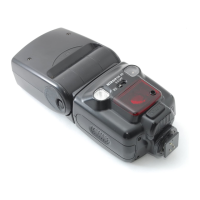
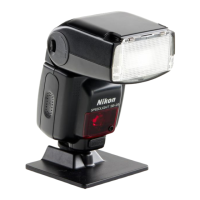
In certain situations, the zoom head
may lock at the 20mm or 18mm posi-
tion (adapter does not return to origi-
nal position). If this happens, perform
following operation.
Although the adjusted zoom-head
position and/or m indication will blink if
the wide flash adapter is stored in its
original place, this does not affect nor-
mal flash operation.
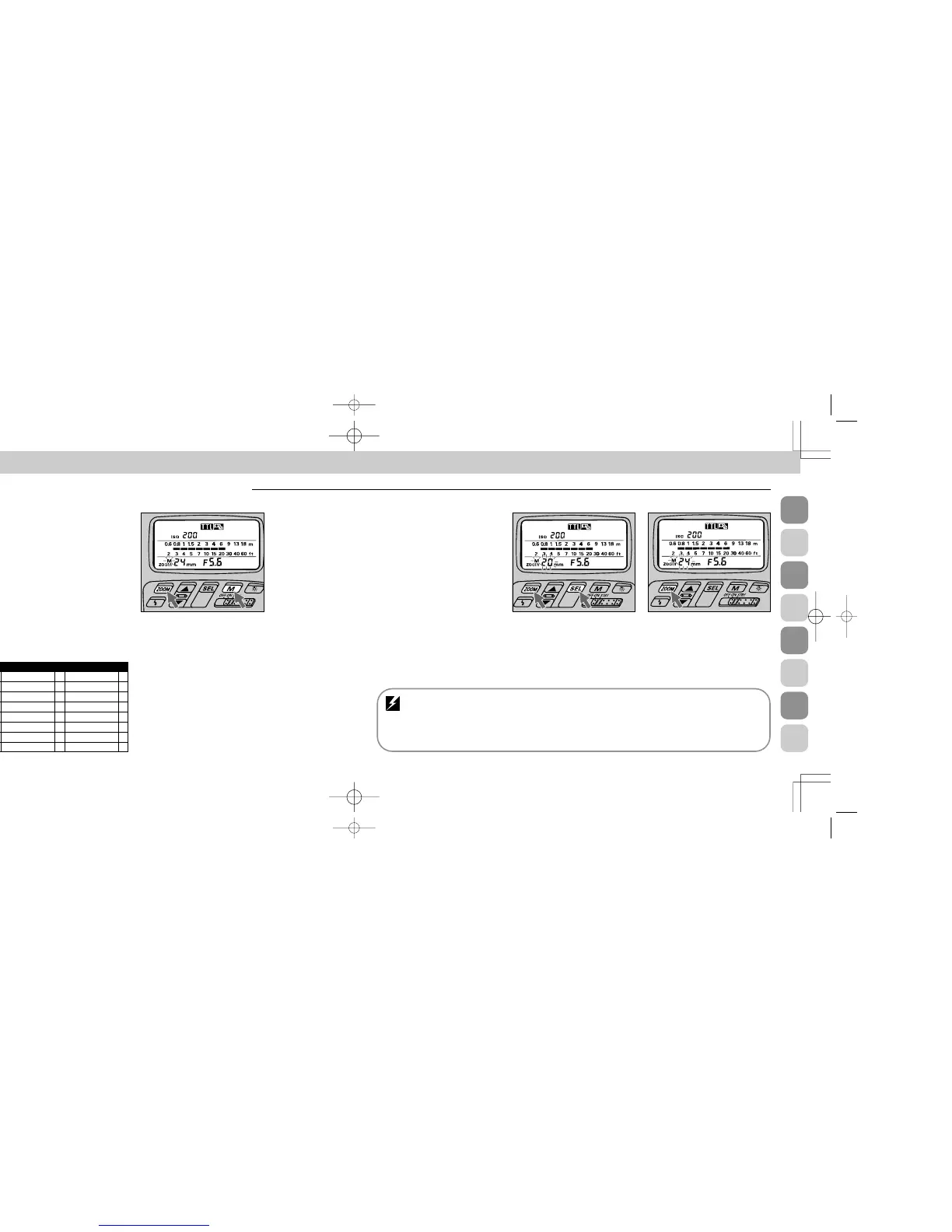
1
Press ¸ and ◊ buttons
simultaneously for a few seconds
until the previously set number and the
m indication start blinking.
2
Press only ¸ button to set
your desired zoom-head position.
To resume automatic adjustment with
certain camera/lens combinations (see
page 30), press ¸ button until the
m indication above z disappears.
Automatic zoom-head position adjustment: F5,
F90X/N90s, F90-Series/N90, F70-Series/N70, F4-
Series, F-801/N8008, or F-801s/ N8008s used with an
AF Nikkor lens (including the latest D-Type) or Nikkor
lens having a built-in CPU
The SB-26 automatically adjusts the zoom-head position
to provide an angle of coverage that matches the focal
length of the lens in use. For details, see page 30.
Chapter
4
Zoom-Lock Capability — To Fix Zoom-Head Position
A predetermined zoom-head position is useful when you
wish to use an AF Nikkor lens or a Nikkor lens having a
built-in CPU interchangeably with another type. It also pro-
vides flexibility when using lenses of different focal lengths
in rapid succession.
1
Press ¸ and ı buttons simultaneously for a few
seconds until m indication starts blinking.
2
Next, press ¸ button only to set desired zoom-head
position. This position remains locked as long as the m
indication continues blinking.
3
To unlock, press the same buttons simultaneously for a
few seconds until the m indication stops blinking or
totally disappears.
Set Up and Practice
F5
E F-601M/N6000 E FE2 E
F90X/N90s
E
F50-Series/N50
E FG E
F90-Series/N90
E F-401x/N5005 E Nikonos V E
F70-Series/N70
E F-501/N2020 E F3-Series E
F4-Series E F-301/N2000 E F2-Series E
F-801/N8008 E F-401/N4004 E FM2 E
F-801s/N8008s E F-401s/N4004s E FG-20 E
F-601/N6006 E FA E
APPLICABLE NIKON SLR MODELS
SB-26 (E) 03.1.14 7:16 PM Page 112





 To Next Page