B-6
B
Operation
En-03
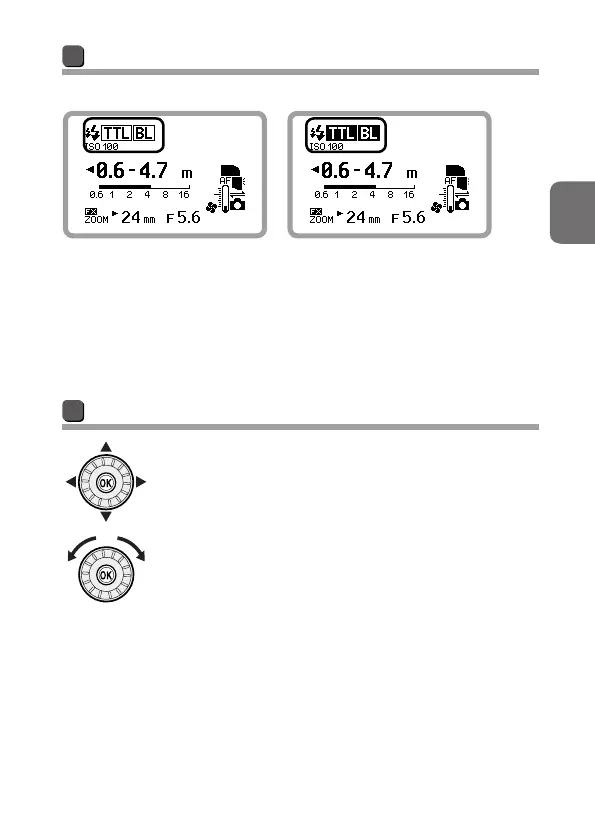
Normal and highlighted display
Normal display Highlighted display
Highlighted display indicates that the
item is being selected. Settings can be
changed while highlighted. The LCD
returns to normal display as shown at
the left after settings are changed and
confirmed.
Rotary multi selector
The rotary multi selector can be operated by pressing
up, down, left, right or by rotating it. In this user’s
manual, up, down, left, right on the rotary multi selector
are indicated as 1, 3, 4, 2.



 To Next Page