B-5
B
Operation
En-03
Settings and the LCD
Icons on the LCD show the status of settings. Displayed icons vary
according to selected flash modes and settings.
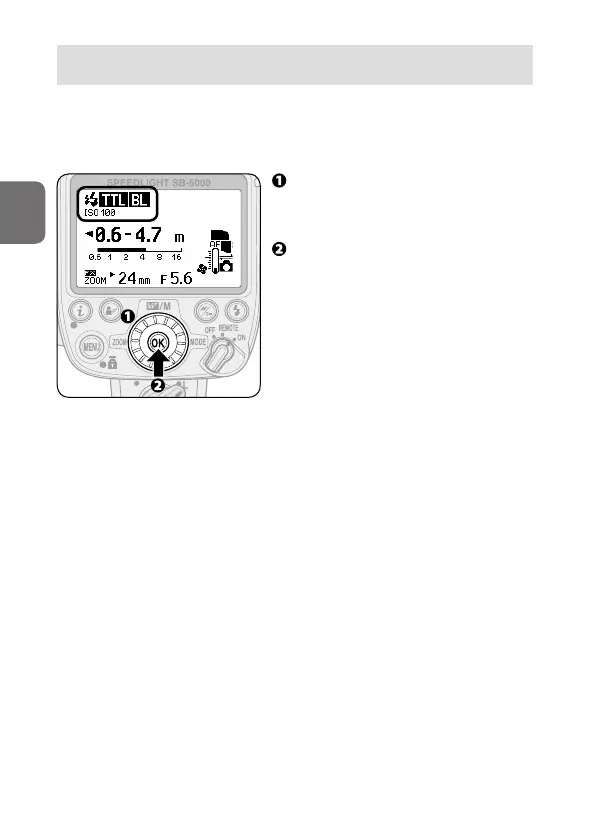
• The basic control of SB-5000 functions is as follows:
Use the rotary multi selector to
highlight the item to be configured
and choose desired setting.
Press the OK button to confirm
setting.
• Once confirmed, the highlighted
item returns to normal display.
• To return to normal display
without changing settings, press
the OK button.
• If the OK button is not pressed,
the highlighted item is selected
and returns to normal display after
8 seconds.



 To Next Page