B-8
B
Operation
En-03
■ Selecting items
Pressing the rotary multi selector 1 3 4 2 highlights the items to be
configured.
In menu and other menus, items can be selected by rotating the rotary
multi selector (0B-9, B-22).
■ Changing settings
Rotating the rotary multi selector changes the settings for highlighted
items.
• For numerical values, rotating the rotary multi selector clockwise
increases the value, and rotating it counterclockwise decreases the
value.
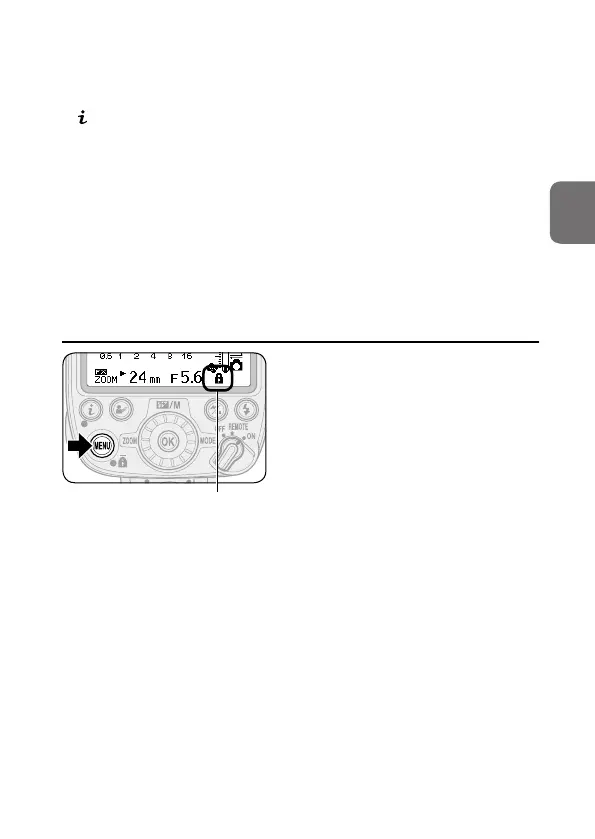
t Activating key lock
Key lock icon
Press the MENU button for 2 seconds. The
key lock icon appears on the LCD and the
dial and buttons are locked.
• The power switch, the test firing
button and the modeling illumination
button remain unlocked.
• To cancel key lock, press the MENU
button again for 2 seconds.



 To Next Page