B-23
B
Operation
En-03
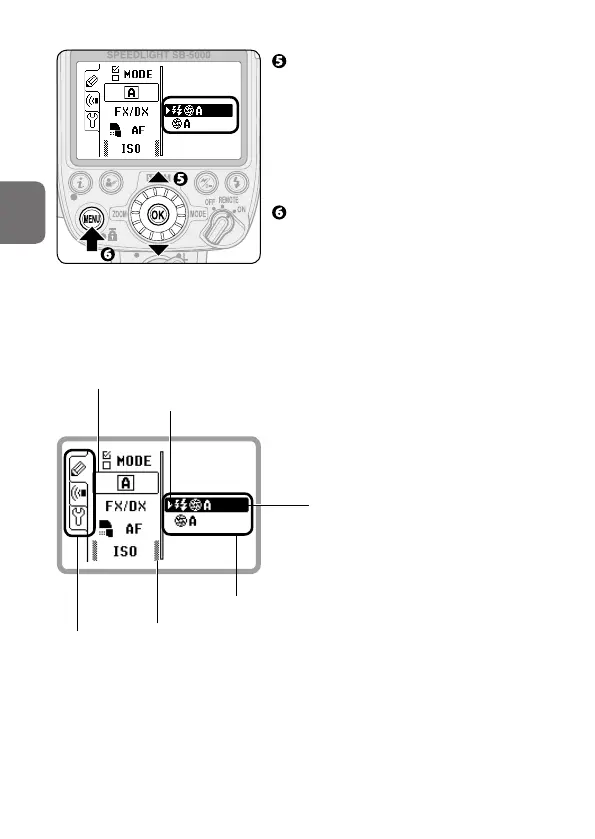
Press the rotary multi selector
1 3 to highlight the desired
setting, and then press the OK
button.
• Press the rotary multi selector
4 to return display to menu item
selection.
Press the MENU button to close
the menu settings.
• The LCD returns to normal display.
• Alternatively, rotate the rotary multi
selector to select items.
• Alternatively, press the rotary multi
selector 2 to confirm the selection.
Items indicated with grid marks can
be configured but do not affect flash
operation.
2
:
Current setting
Available selection
Menu tabs
Setting being selected
Item being configured



 To Next Page