E-6
E
Functions
En-03
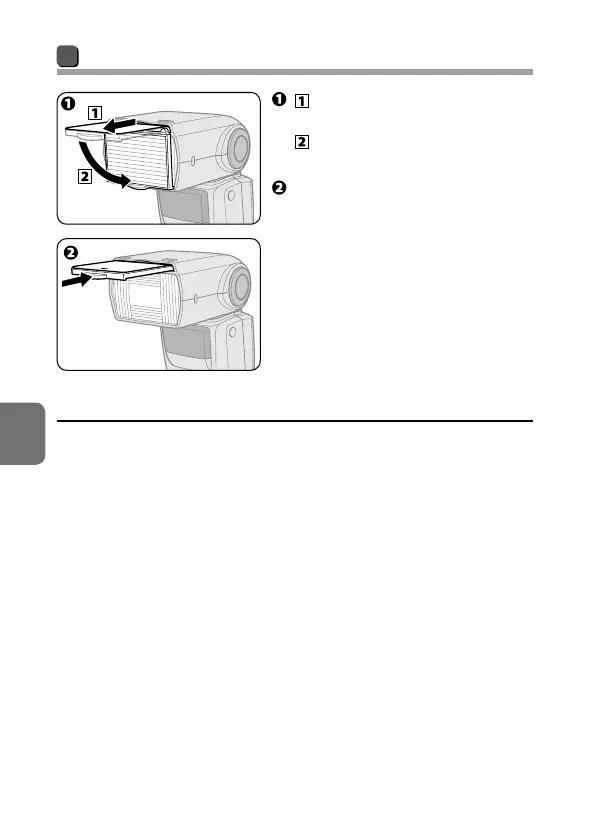
Setting the built-in wide panel
Carefully pull the built-in
wide panel all the way out and
position it over the flash
panel.
Slide the bounce card back into
place inside the flash head.
• To replace the built-in wide panel,
lift it up and slide it into the flash
head as far as it will go.
t If the built-in wide panel is broken
• The built-in wide panel may break if subjected to strong knocks while on
the flash head.
• In this case, contact your retailer or Nikon-authorized service
representative.



 To Next Page