E-15
E
Functions
En-03
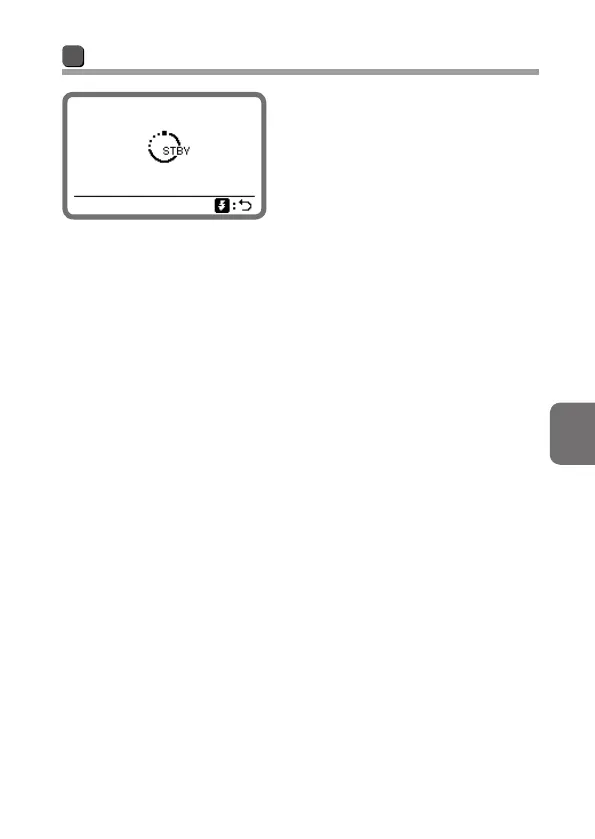
Standby function
If the SB-5000 and camera are not
used for a specified time, the standby
function is automatically activated to
conserve battery power.
• The standby function is activated
when the time interval on the
camera’s standby timer* expires
(default setting). For details about the
standby timer, see the camera user's
manual.
• The standby activation lead time can be adjusted in the setup menu
(0B-22).
* The standby timer is called “auto meter off” on some camera models.
To cancel standby
• Press the camera’s shutter-release button halfway.
• Set the SB-5000’s power switch to a position other than [OFF].
• Press the SB-5000’s test firing button.



 To Next Page