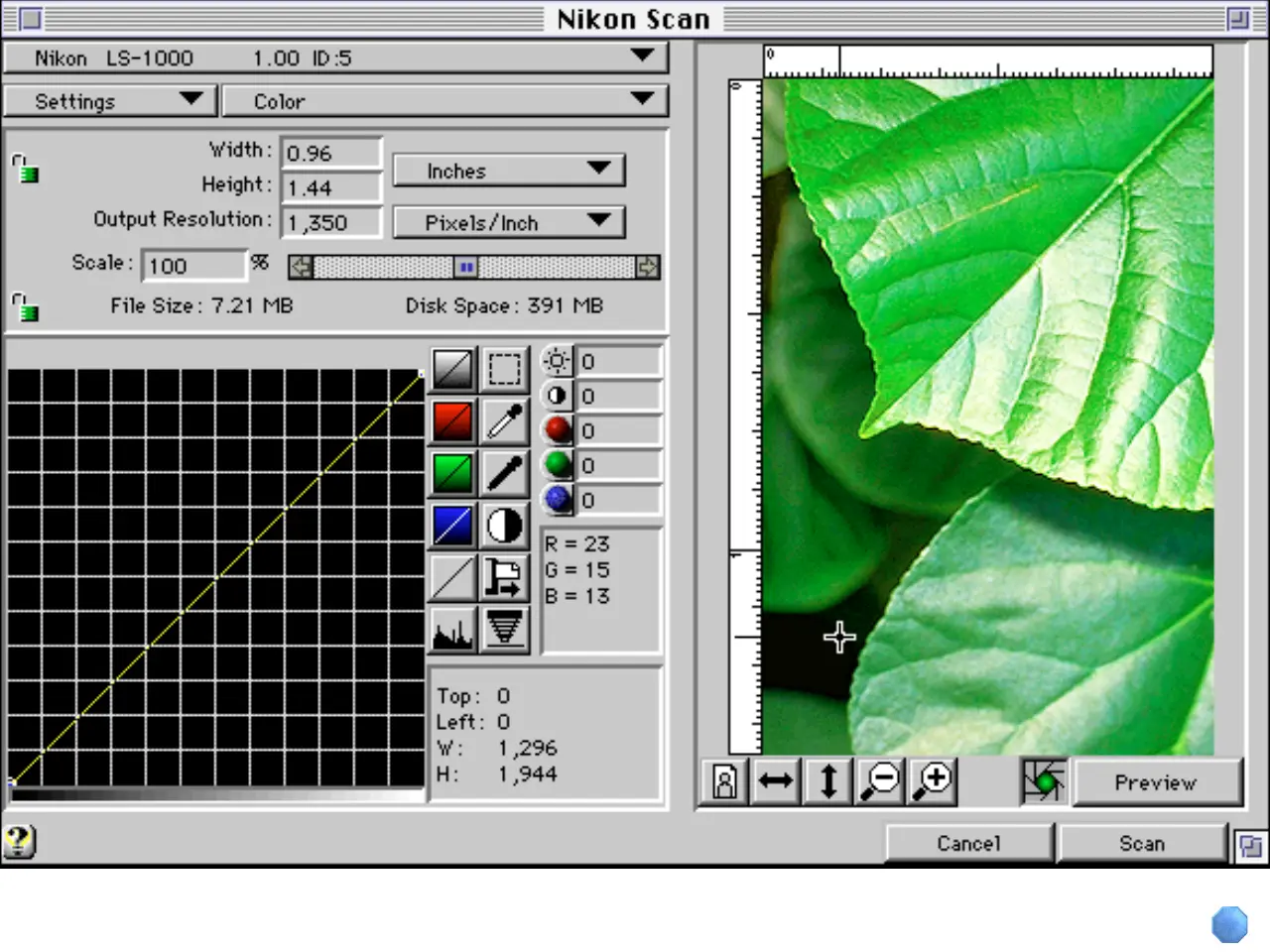
Main Dialog Box
Place the cursor over a control (button,
menu, or window) for a brief description
of its function. Clicking a control will
open this manual to the section in which
its function is explained in greater detail.
To clear this explanation from the screen,
click the Close button below.
*















 To Next Page