- 47 -
7.5 Importing Settings
Using the Import Settings… function, you can read the
contents of a file saved with the Export Settings… function into
the Main dialog box.
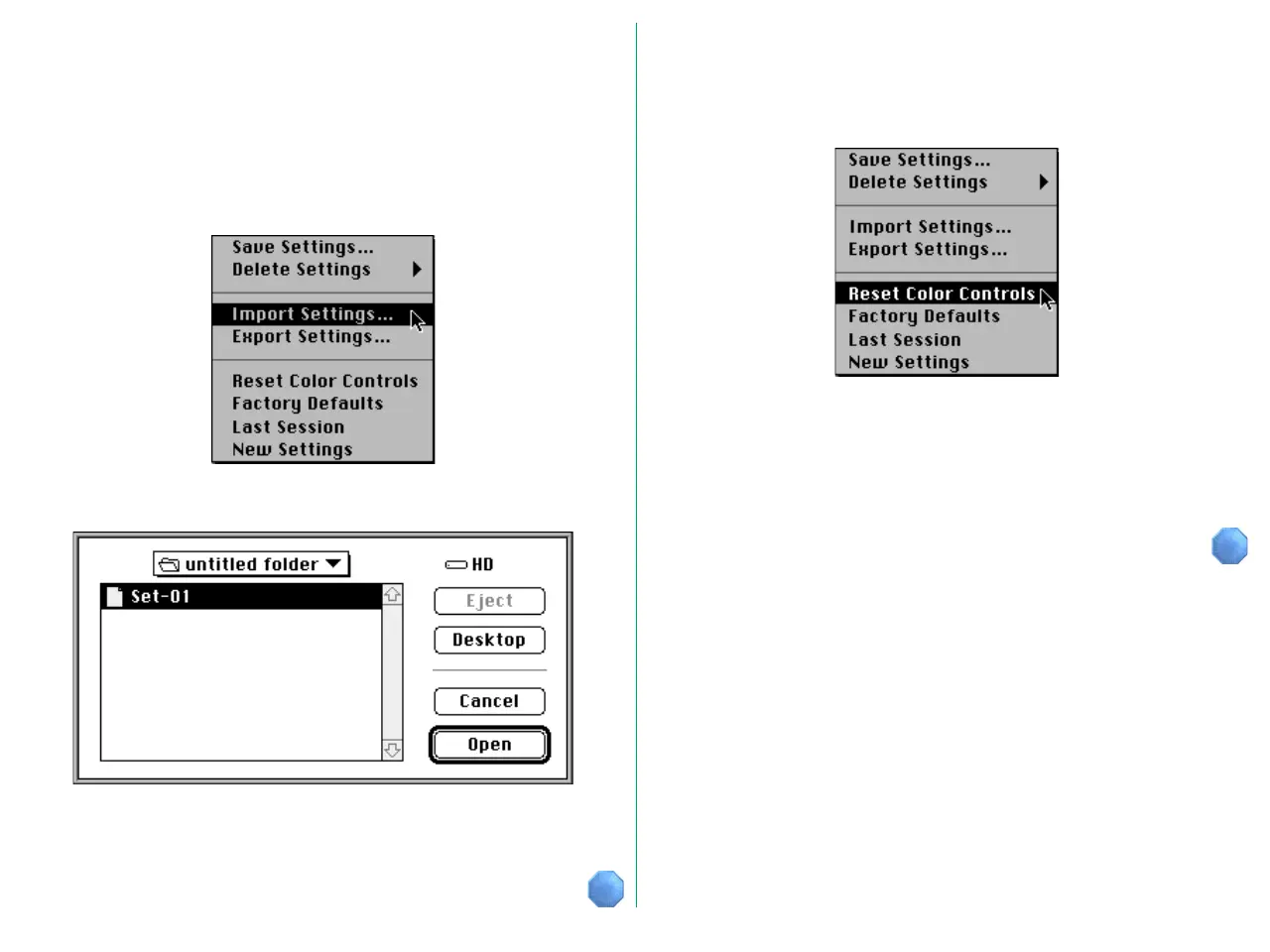
To read the contents of a settings file, choose Import
Settings… from the Settings menu.
The Import dialog box appears.
When you click the Open button after opening the folder
containing the settings and selecting a file, the contents of that
file are read.
7.6 Reset Color Settings
You can reset the modified gamma curves and image
compensation.
Choosing the Reset Color Controls command from the
Settings menu will force the Master, Red, Green, and Blue
gamma curves to linear, and brightness and contrast, R, G, and B
adjustment values to zero.















 To Next Page