- 33 -
5.4 Level display
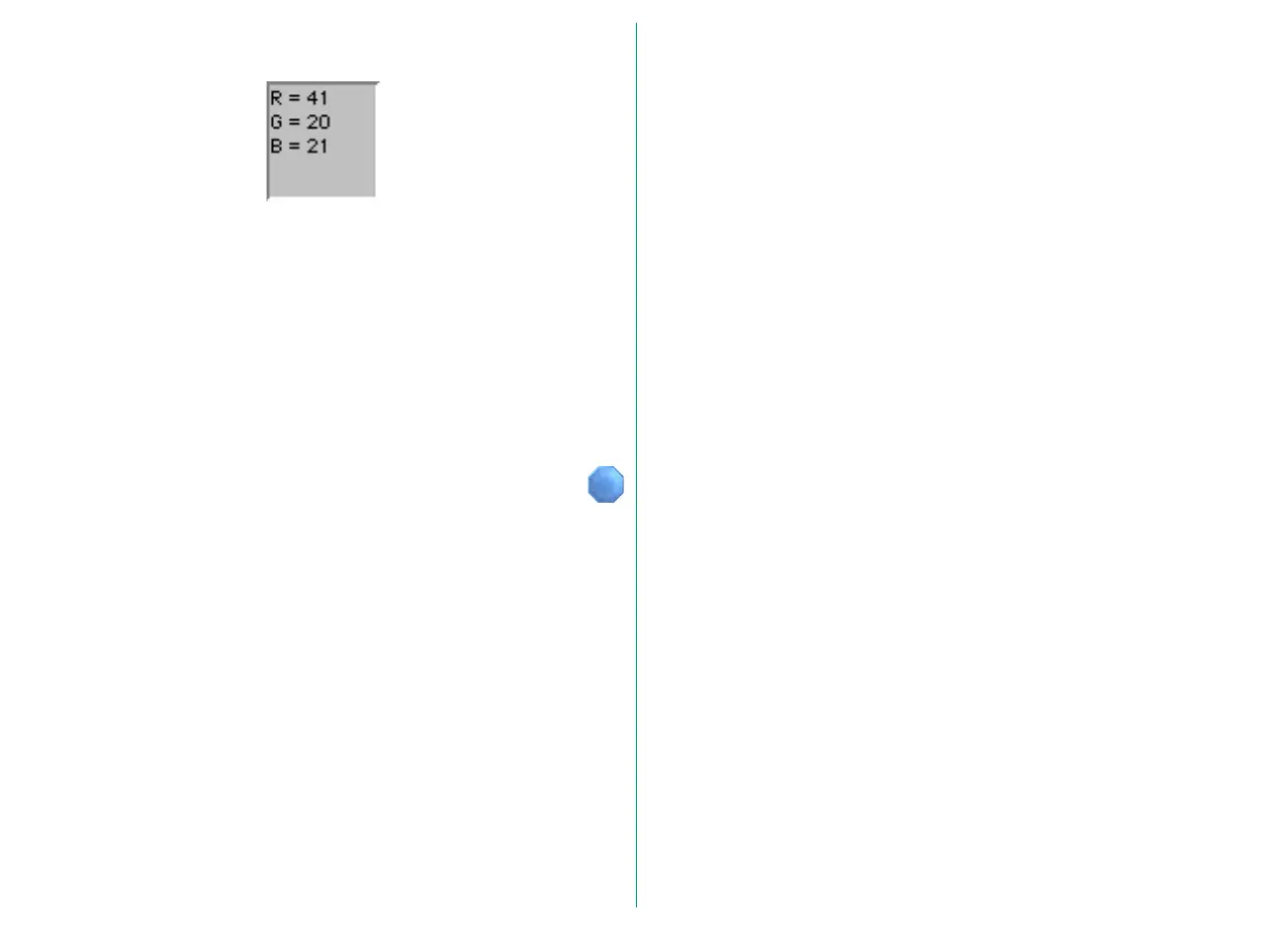
RGB values or CMY percentages at the cursor position are
displayed while the cursor is over the crop/preview area. The
values can be switched between absolute RGB pixel values (in
8-bit level equivalent) and CMY percentages, by clicking within
the boundary surrounding the density display area.
For grayscale images, the L (luminance in 8-bit level
equivalence) or K (the black density percentage) value at the
cursor position is displayed.















 To Next Page