- 28 -
4.9 Autofocus (film scanners only)
The focus of the image can be adjusted by clicking the
Autofocus button shown below (this button is not displayed
when an AX-110 or AX-210 flatbed scanner is selected).
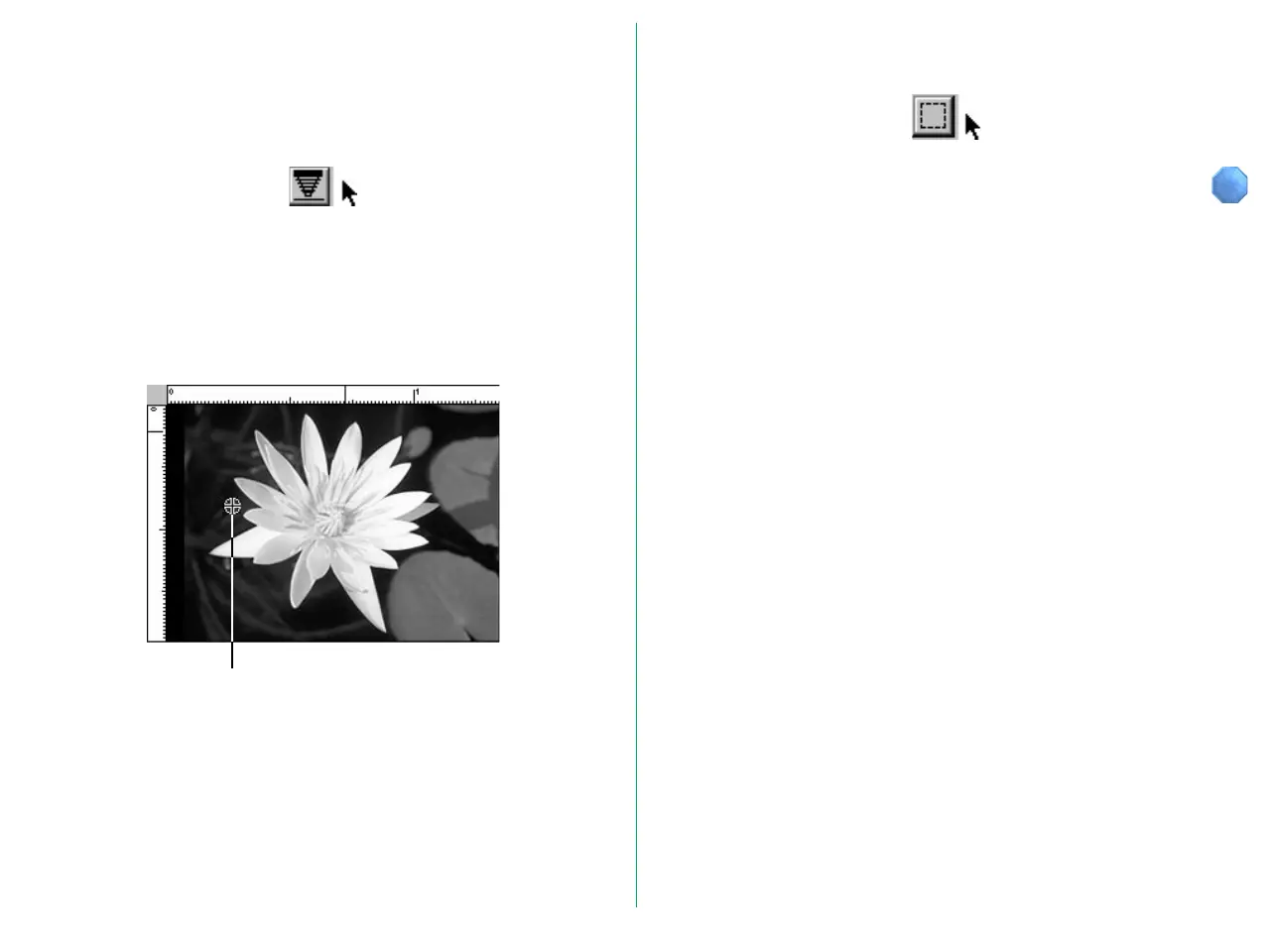
You can choose a location in the image as the focus position by
clicking this button while simultaneously holding down the
option key. If you click the Autofocus button without specifying
a focus position, the autofocus position chosen will be the
center of the image.
Focus Position Cursor
You can cancel the focus position cursor by clicking the Return
to crop button.















 To Next Page