- 9 -
Quitting
Clicking the Cancel button in the Nikon Scan Main dialog box
will return you to Nikon Control or to your current imaging
application.
3.2 Main Dialog Box
Nikon Scan will automatically detect which scanners are
connected and will display the Main dialog items and menus
appropriate for the scanner you select. (The Main dialog box
items will vary slightly, depending on the selected scanner.)
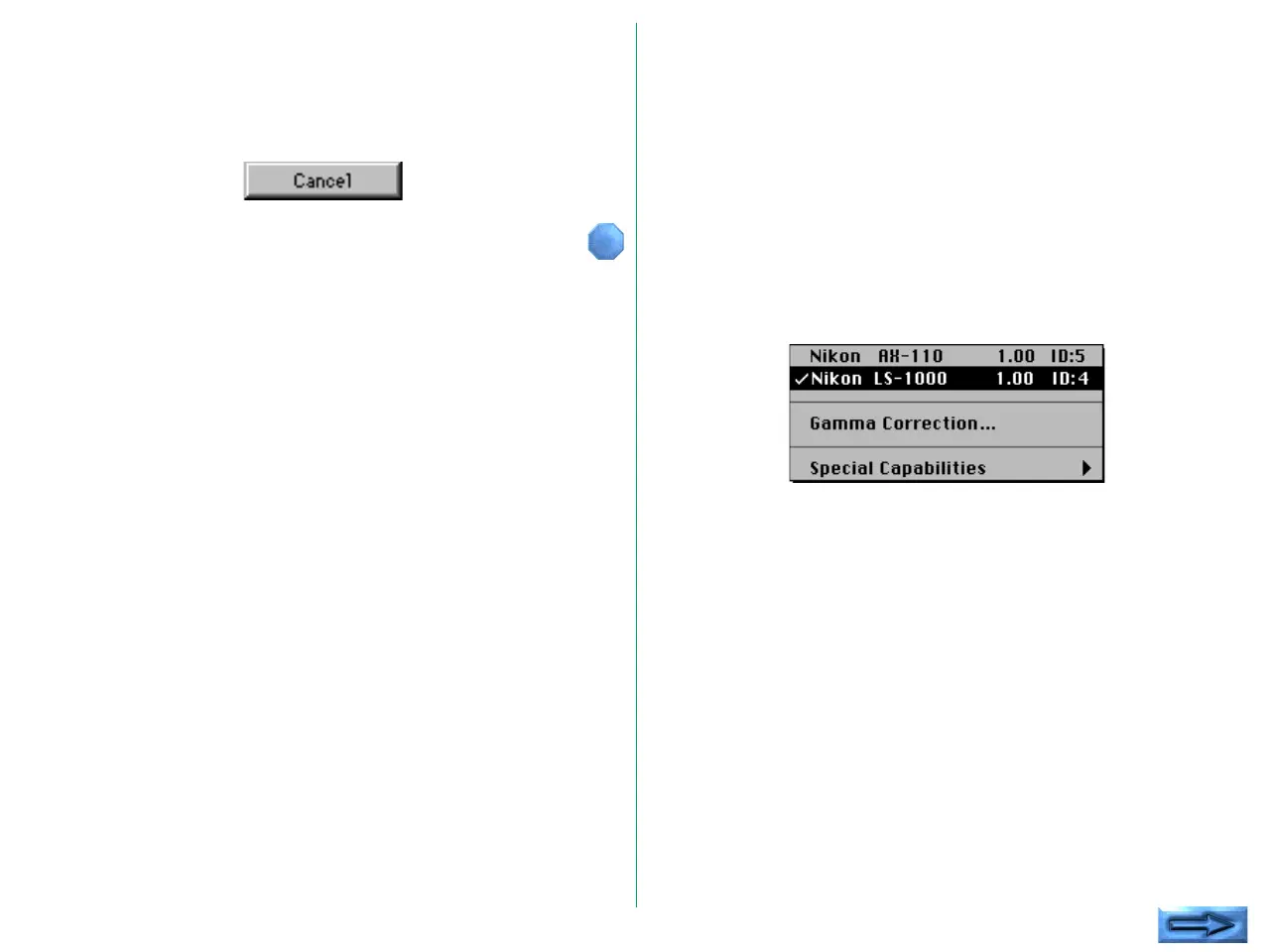
If multiple Nikon scanners are connected and powered on, first
choose the scanner you are going to use from the pop-up
menu at the top left corner of the Main dialog box. Only
scanners supported by Nikon Scan will be visible in this pop-up
menu.
Note: Depending on what devices are actually connected to your
computer, the options which will appear in the pop-up menu above
may differ from those shown here.















 To Next Page