- 22 -
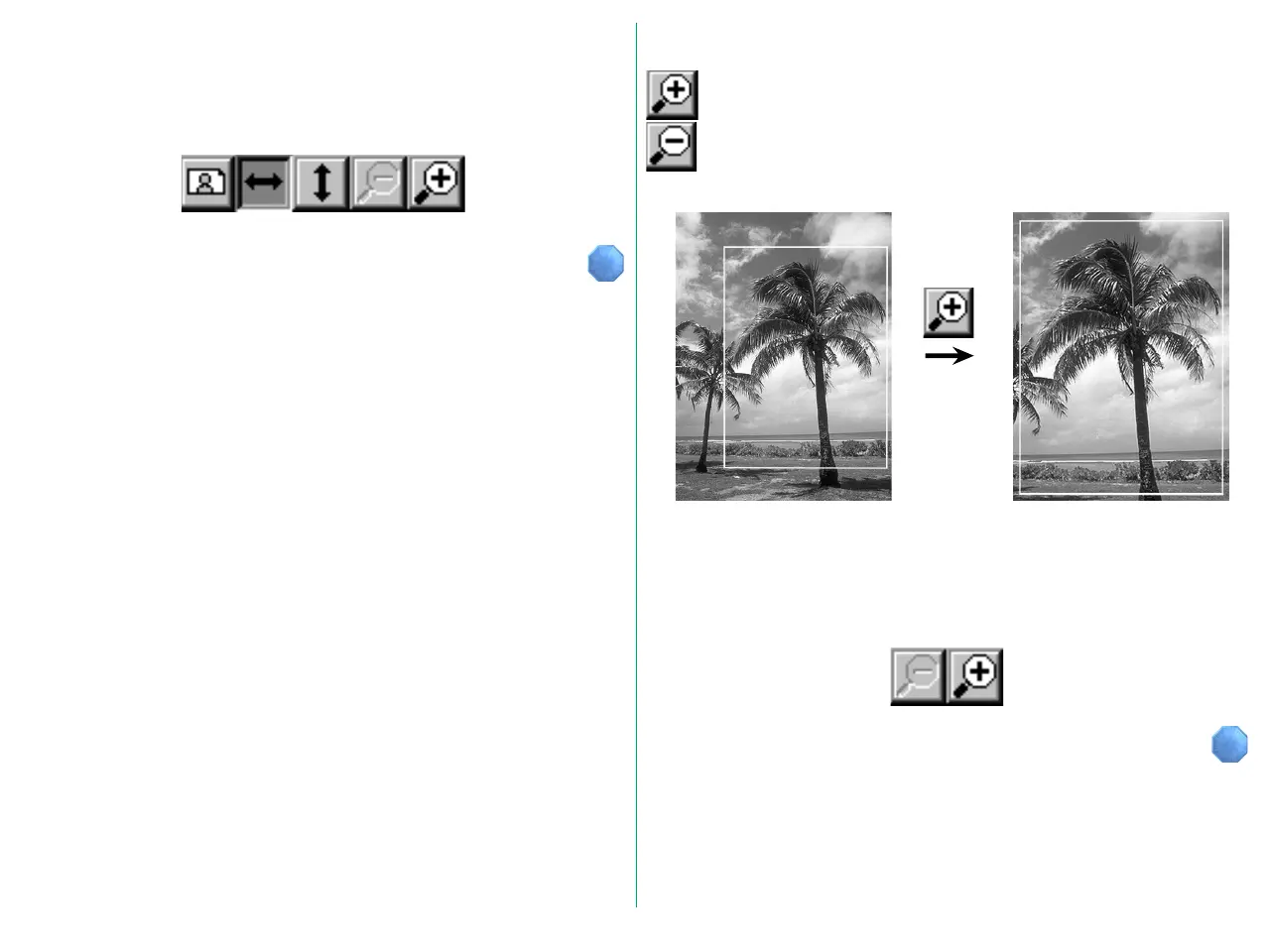
When the Zoom-in button is clicked, the crop area fills
the entire Preview area. After a zoom-in operation,
the original display is restored by clicking the Zoom-
out button.
When the original image is flipped horizontally or vertically, the
corresponding Flip button appears to have been pressed, and
will remain in a depressed position, as shown below. Clicking
the button again restores its original appearance.
Zoom
If Zoom-in or Zoom-out functions are unavailable (e.g. when
the minimum or maximum image size is shown), the
appropriate button is dimmed (inactive) and cannot be clicked.















 To Next Page