- 43 -
7. Saving and Loading Settings
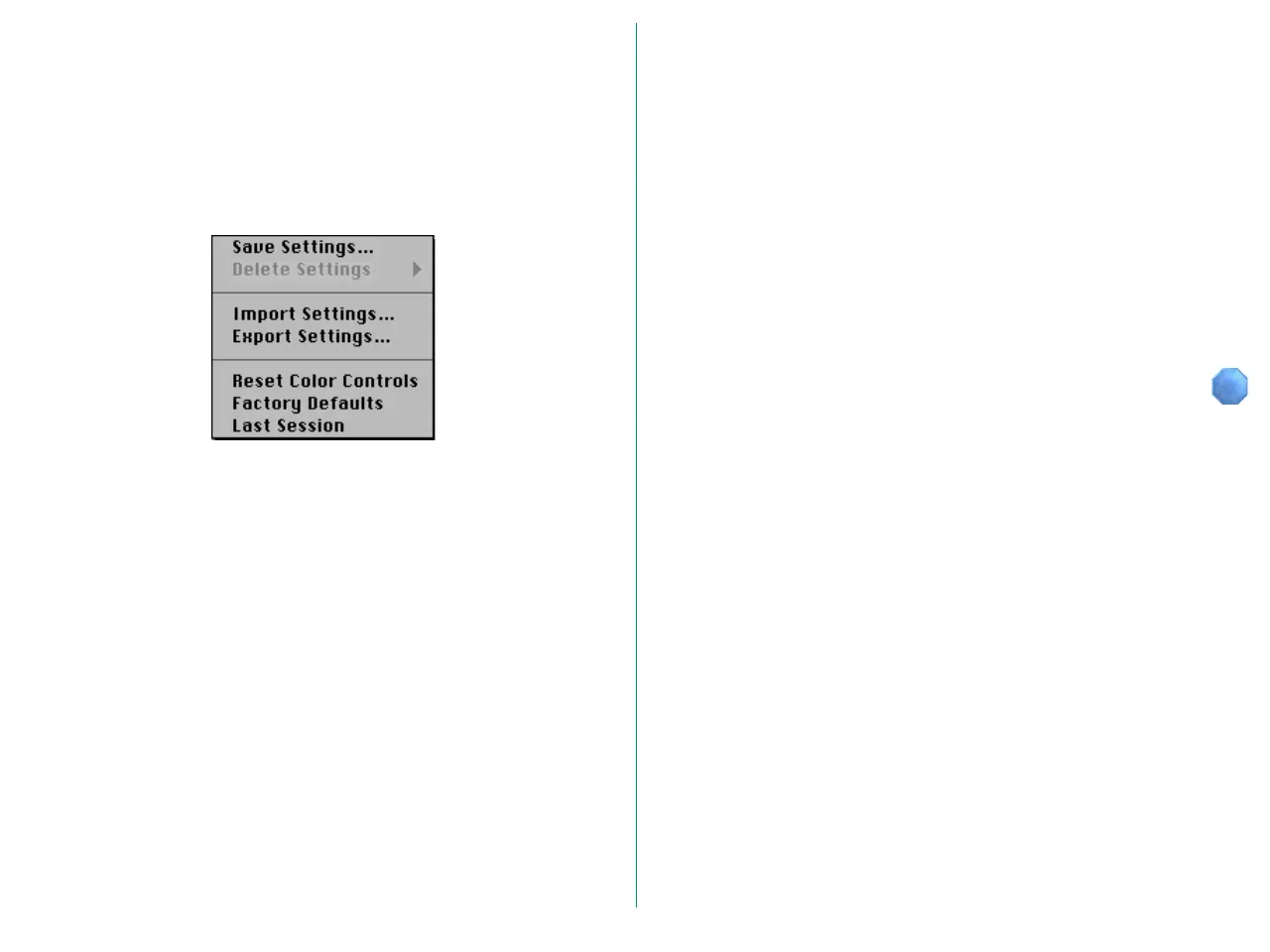
Using the Settings pop-up menu, you can save the settings you
have made, or load previously saved settings. This may be
convenient for repetitive scanning with particular crops and
resolutions, or when using a complex gamma correction to
improve reproduction.
Settings include the following items:
• Scanner selection, media type, width and height units, width
value, height value
• Aspect and file size locked/unlocked status, output resolution
value, scale value, resolution unit
• Master, R, G, and B curves, brightness and contrast, R, G, and
B adjustment values
• Orientation, horizontal and vertical flip status, help ON/OFF
status, crop area size and location
• Zoomed preview area















 To Next Page