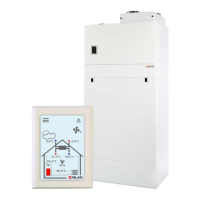
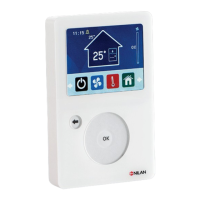
General settings
D
isplay settings
The brigtness of the display can be adjusted. It is also possible to set the display to shut down at a set
time to save energy.
General settings
Display settings
↳
Brightness (%) Settings:
Standard setting:
Description:
0 ↔ 100 %
100 %
The brightness of the display can be set here.
↳ Standby settings Settings:
Standard setting:
Description:
Off / 5 / 10 / 30 / 60 minutes
5 minutes
It is possible to have the display to go into sleep mode
after a while.
The display panel is reactivated by touching the
screen.
Compact P / Compact P Polar (English)
BY NILAN
33


 To Next Page
 Loading...