16
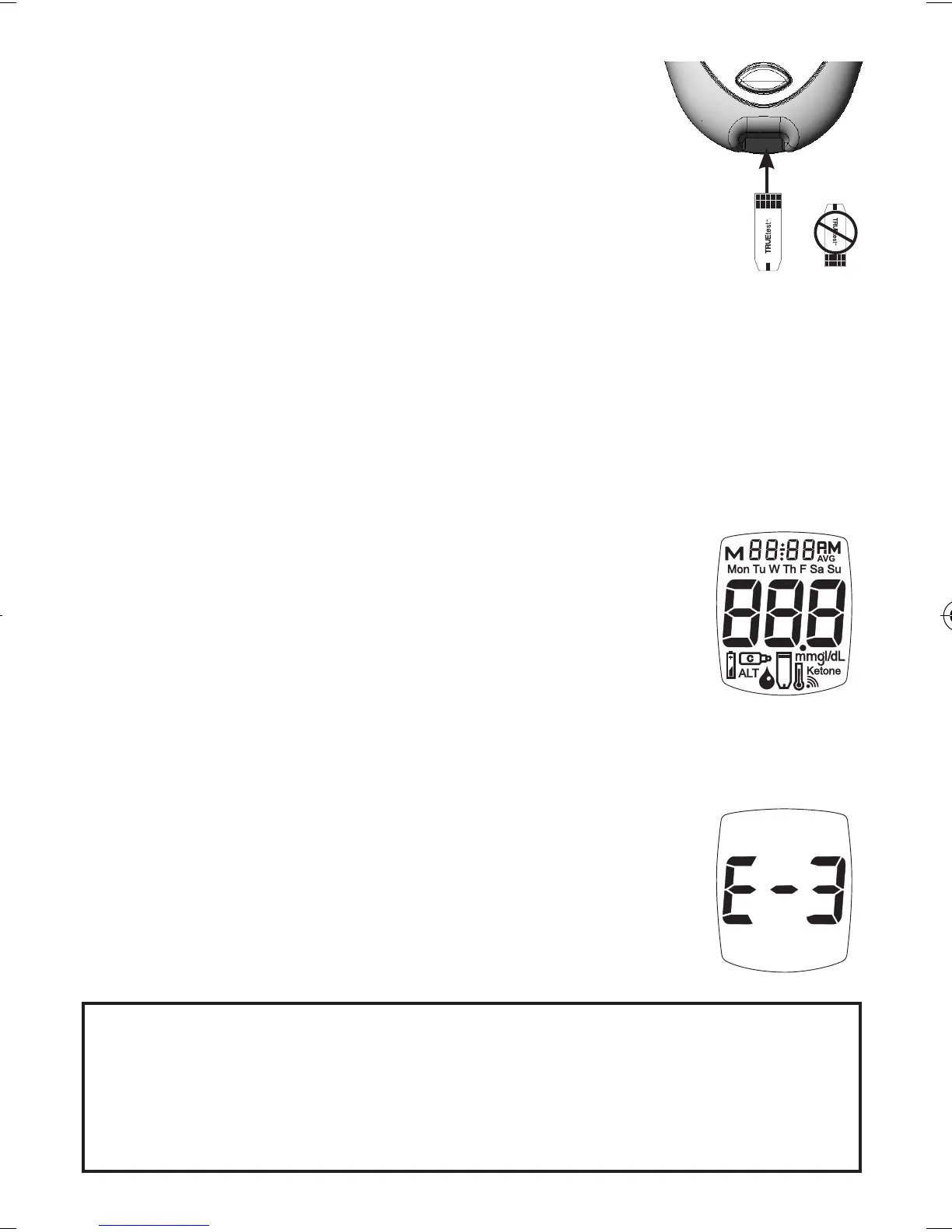
Full Display
Quality Control Testing
To assure you are getting accurate and
reliable results, TRUEresult oers two
kinds of quality control tests. ese
tests let you know that your TRUEresult
System is working properly and your
testing technique is good.
Automatic Self-Test
An Automatic Self-Test is performed by the
Meter each time a TRUEtest Test Strip is inserted
correctly into the Test Port.
Insert a Strip into the Test Port. e
Meter is working properly if:
- the full Display appears, then
- the time appears in the upper part of
the Display, and then,
- the Drop Symbol begins to blink.
If an error message appears in the
Display, the Meter will not perform
a test. See Troubleshooting or call for
assistance (see cover for phone number).
Caution! If any segments are missing in the
Display when Meter is first turned on,
do not use the Meter for testing. Call for
assistance.
Contacts Facing Up
Tre_OB_GutsENG_E4NPD04r22.indd 16 4/24/12 9:53 AM



 To Next Page