Viewing Results in Memory
Memory stores 500 results. When the Memory is
full, the oldest result is replaced with the newest
result.
1.
Press and release “ S ” Button. Meter displays 7, 14
and 30-day Averages. Press and release “ S ” again
to view most recent Control Test result in Memory.
If there are no results in Memory, dashes appear
with the Memory Symbol.
2. Press “ + ” and release to advance
to the first blood test. Press “ + ” to
scroll forward through results or “ - ”
to scroll backwards through results.
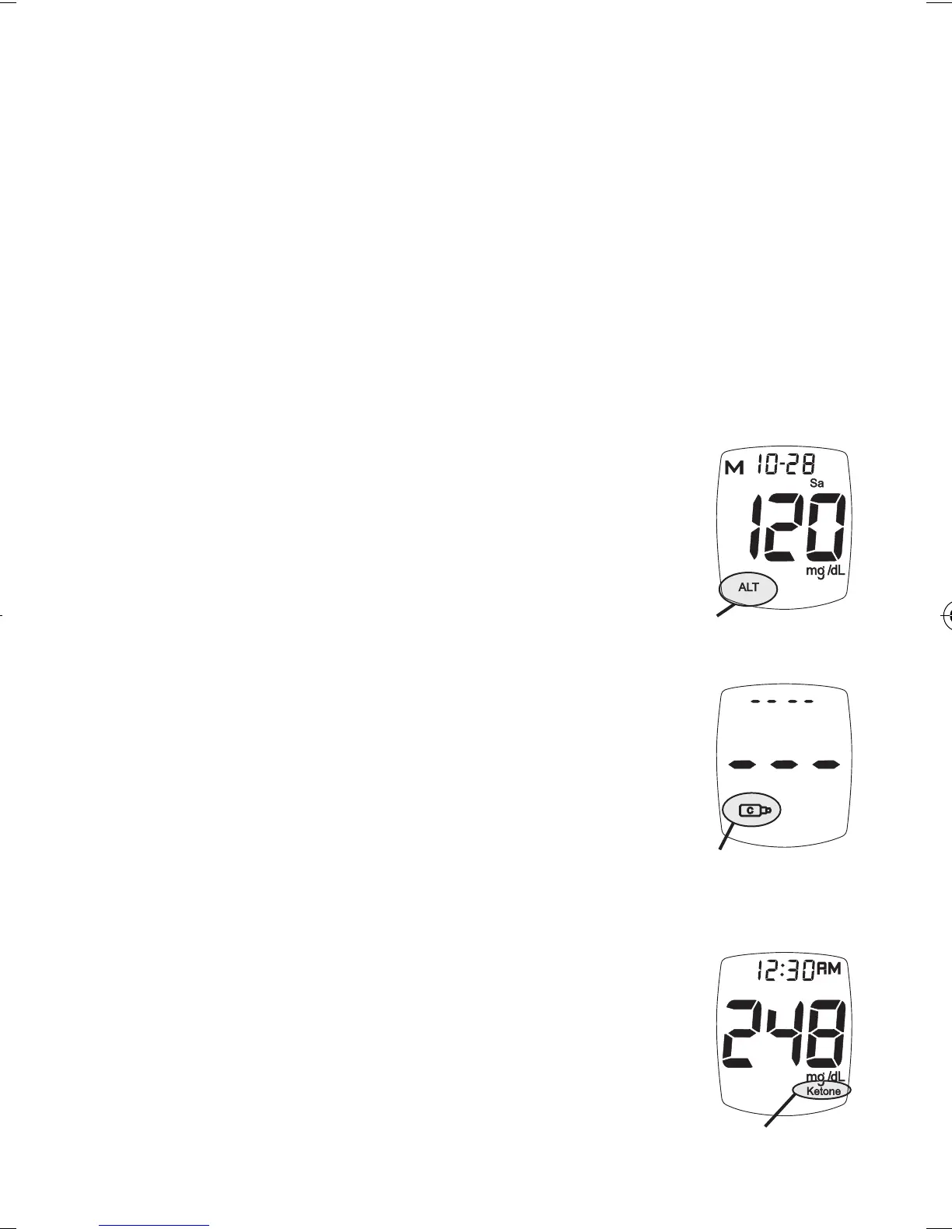
Test results marked as alternate site
display ALT Symbol.
Control Test results display the Control
Symbol. If no Control Test has been
done, Display shows dashes and the
Control Symbol.
Test results above 240 mg/dL display
Alert Symbol, when Ketone Testing
Alert is turned on during user Meter
Set Up.
32
Ketone Testing
Alert
Control Symbol
Alternate Site
Symbol
Tre_OB_GutsENG_E4NPD04r22.indd 32 4/24/12 9:54 AM



 To Next Page