14 15
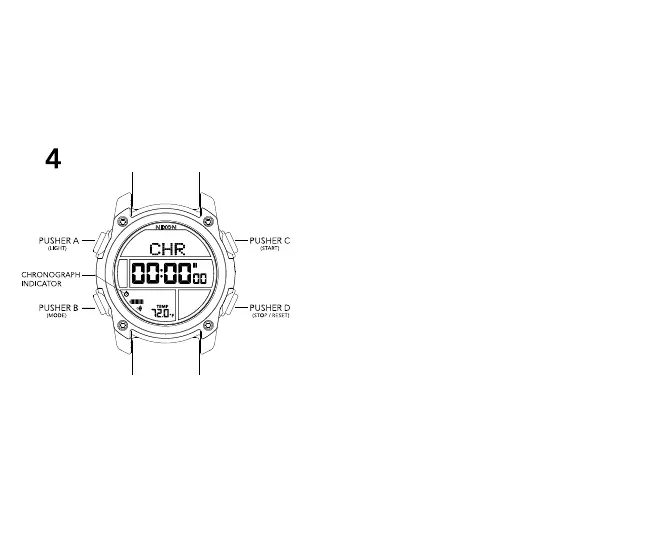
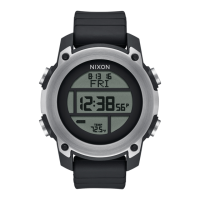
4 CHRONOGRAPH MODE
CHRONOGRAPH MODE features
-Hundredth seconds resolution
-Lap counter up to 99 laps
To operate the Chronograph:
-Press PUSHER B (MODE) until you are in Chronograph Mode
-Press PUSHER C to start Chronograph run state
-In run state, press PUSHER C to count a lap - display will
freeze for 10 seconds
-In run state, press PUSHER D to stop the Chronograph
-Once stopped, press and hold PUSHER D to reset
-Press PUSHER B to advance to DIVE LOG MODE


 To Next Page