EasyManua.ls Logo

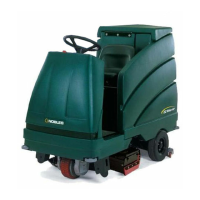
Nobles EZ Rider HP - User Manual

Nobles EZ Rider HP
86 pages
Print Icon
To Next Page IconTo Next Page
Loading...
R
Operator Manual
EZ RidertHP
330780
Rev. 03 (02-2006)
*330780*
The safe scrubbing alternativer
®

Table of Contents

Other manuals for Nobles EZ Rider HP

Questions and Answers

Summary

Operation

Operator Responsibility

The operator's responsibility is to take care of daily maintenance and checkups.

Control Panel Symbols

Explains the meaning of various symbols on the control panel.

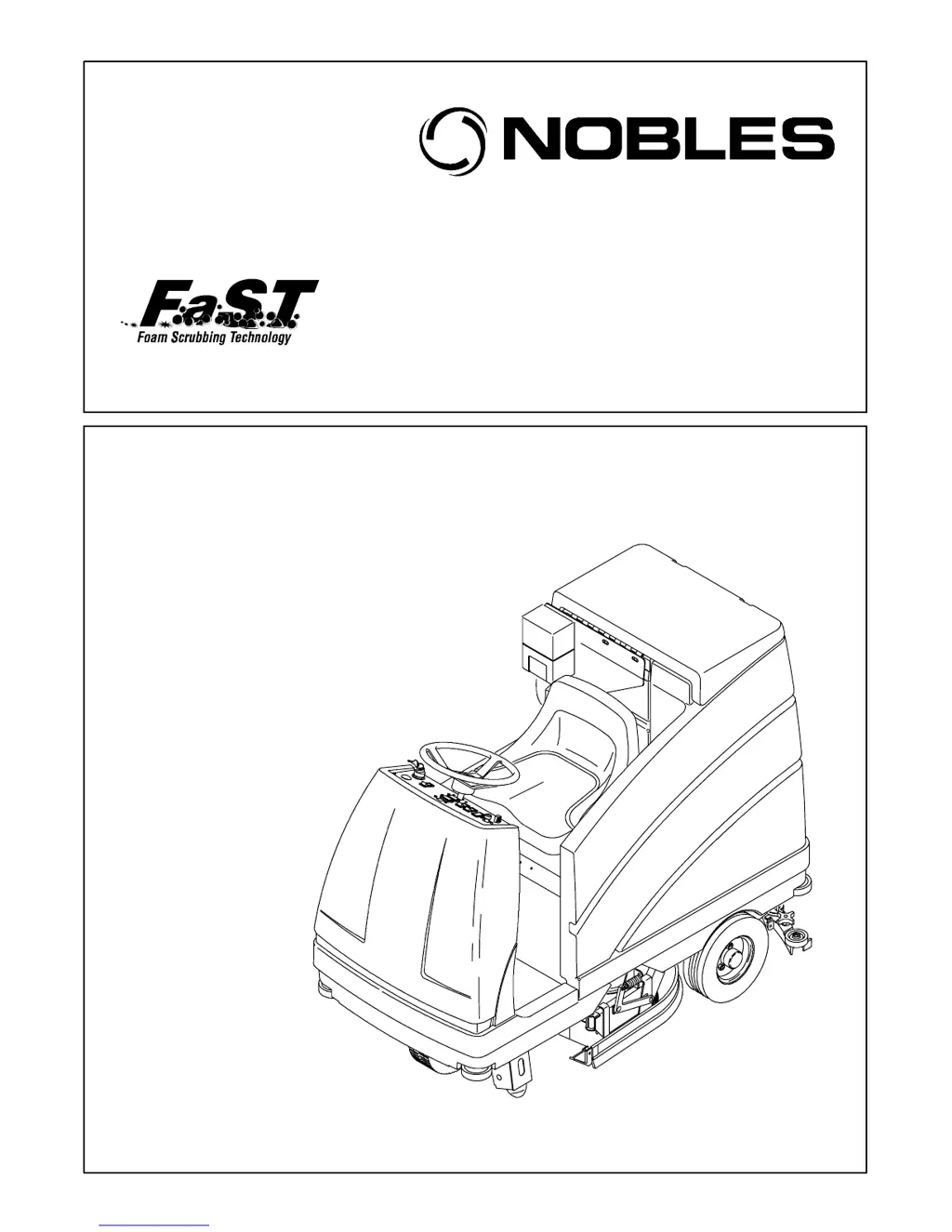
Controls and Instruments

Identifies and labels all controls and instruments on the machine's dashboard.

Operation of Controls

Detailed explanation of how to operate various controls.

Brake Pedal

Explains how to use the brake pedal to stop the machine.

Parking Brake Pedal

Details how to set and release the parking brake.

Directional Pedal

Describes how the directional pedal controls travel direction and speed.

Steering Wheel

Explains how to use the steering wheel for direction control.

On-Off Key Switch

Details the function and operation of the on-off key switch.

One Step Switch

Describes the one step switch for starting and stopping scrubbing operations.

FaST Switch

Details the function of the FaST (Foam Scrubbing Technology) switch.

FaST Scrubbing System

Details how the FaST system operates and its benefits.

Pre-Operation Checklist

Lists essential checks before operating the machine.

Installing FaST Pak Agent

Step-by-step guide for installing the FaST PAK concentrate agent.

Starting the Machine

Provides instructions for safely starting the machine.

Scrubbing and Brush Information

Provides tips for effective scrubbing and brush selection.

Scrubbing

Step-by-step instructions for performing scrubbing.

Stop Scrubbing

Instructions for safely stopping scrubbing operations.

Draining and Cleaning the Tanks

Steps for draining and cleaning solution and recovery tanks.

Stop the Machine

Instructions for safely stopping the machine.

Machine Troubleshooting

Lists common problems, their causes, and remedies.

Maintenance

Maintenance Chart

Provides a schedule of maintenance tasks and intervals.

Batteries

Information on battery care, cleaning, and lifespan.

Charging the Batteries

Step-by-step guide for charging the machine's batteries.

LED Fault Code Display

Explains how to interpret fault codes from the LED indicator.

Replacing the Disk Brushes or Pads

Step-by-step guide for replacing disk brushes or pads.

Replacing the Cylindrical Brushes

Step-by-step guide for replacing cylindrical brushes.

Replacing or Rotating the Rear Squeegee Blade

Step-by-step guide for replacing or rotating rear squeegee blades.

Replacing or Rotating the Front Squeegee Blade

Step-by-step guide for replacing or rotating the front squeegee blade.

Specifications

General Machine Dimensions;Capacities

Lists the physical dimensions and tank capacities of the machine.

Nobles EZ Rider HP Specifications

General IconGeneral
ModelEZ Rider HP
Machine TypeRider Scrubber
Power SourceBattery
Battery Voltage36 VDC
Brush PressureAdjustable

Related product manuals