Page | 10
Hardware Setup
1. Open Axis Studio
2. Create/Open a Studio Project
a. Click New Project
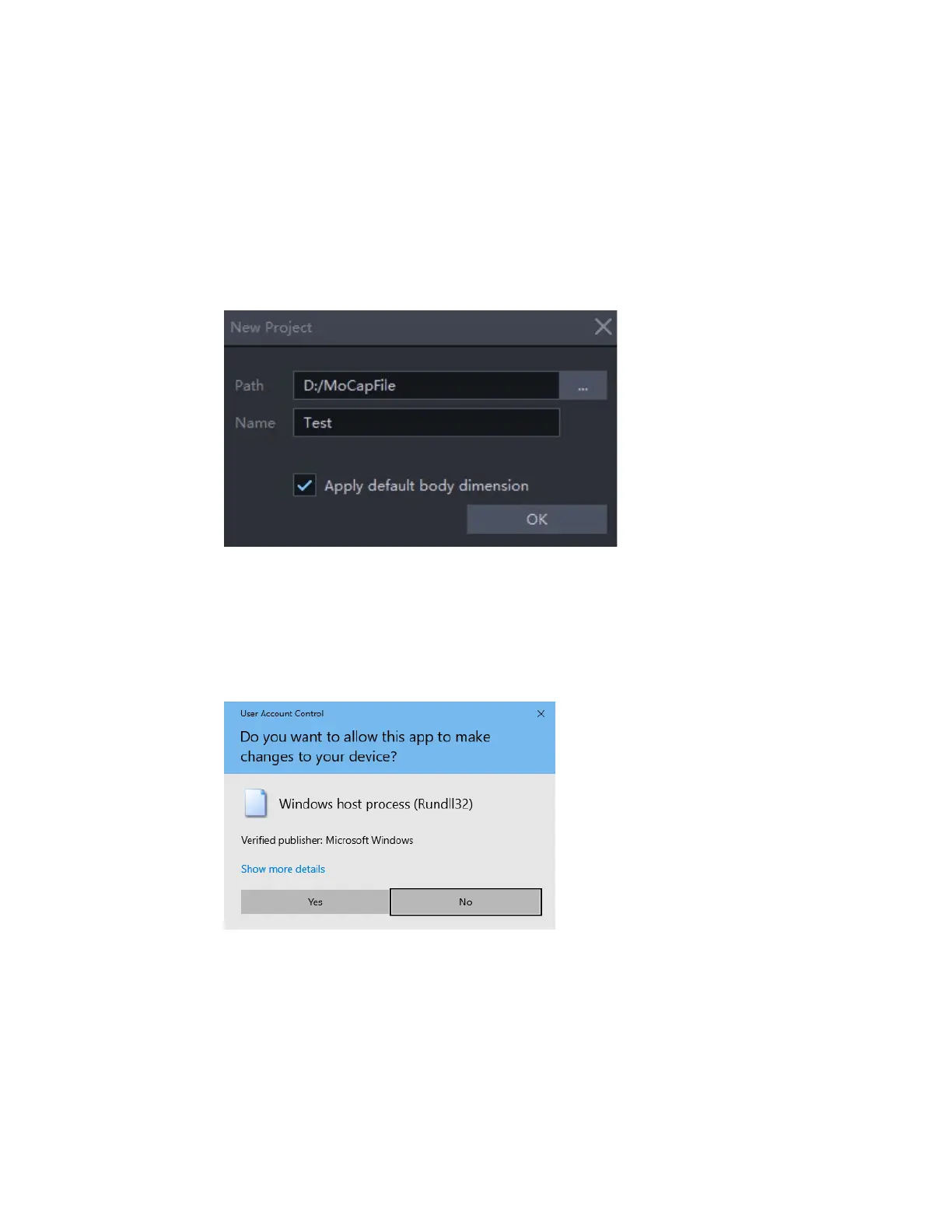
b. Enter the project name and choose the location of the project
c. Selecting Apply default body dimension will include body size preset into your project.
3. Transceiver Setup
After you have set your project,
a. Attach the transceiver to your computer. When connecting the transceiver for the first
time, the following interface will pop-up after you open a project, click Yes. This allows
Axis Studio to automatically identify the transceiver and assign a static IP.
b. If the transceiver has been deployed successfully, the suits panel (Capturing Workspace)
should look as follow:



 To Next Page