Page | 7
Software Installation and Activation
Perception Neuron 3 will require you to download and install Axis Studio. Visit our
https://neuronmocap.com/downloads
page to being dowloading.
Note: Axis Neuron has capabilities to stream data onto your network. During the install make sure to give
firewall permission to the application.
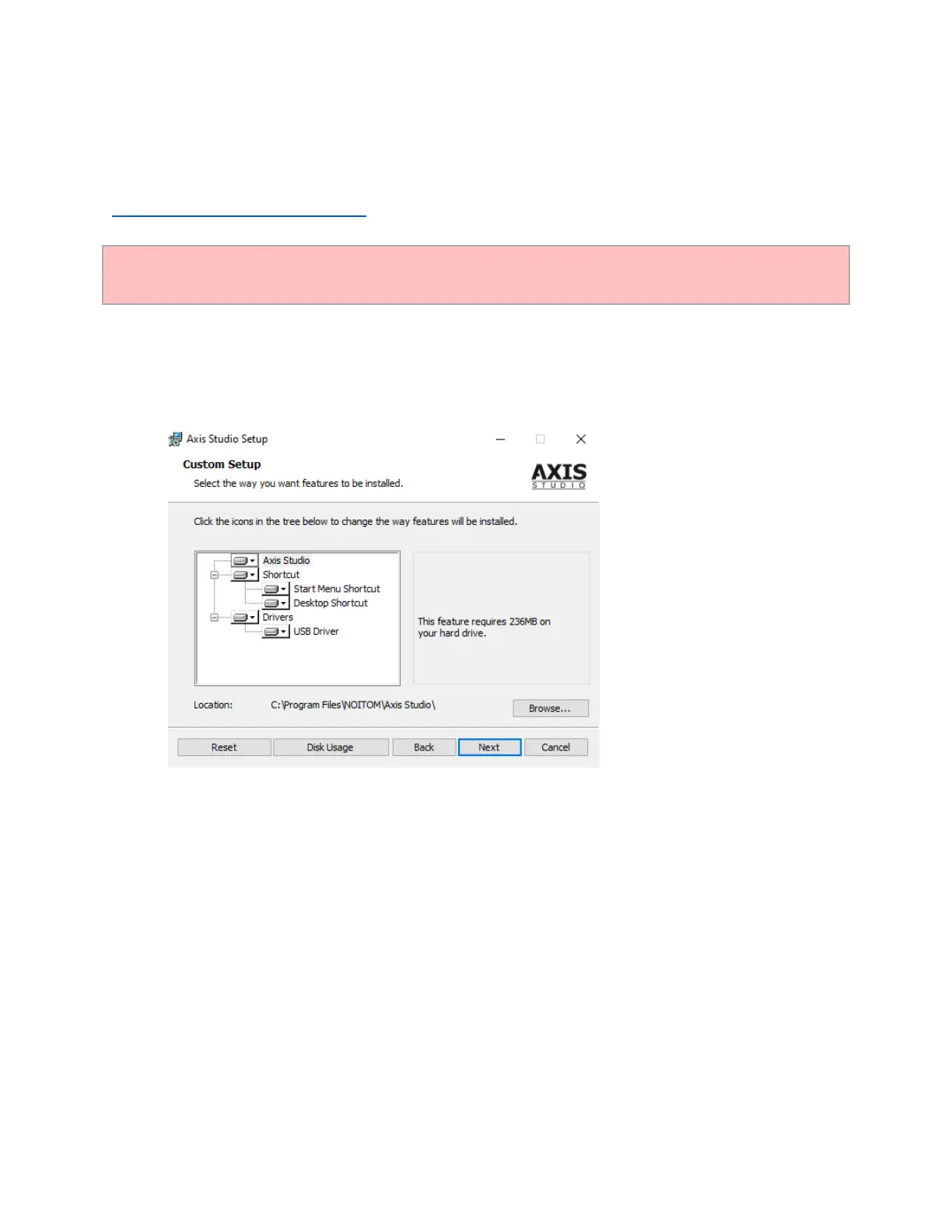
1. Install
Run the installer to initiate the installation process. Follow the installation prompts and install Axis
Studio. We recommend installing the software in the default directory.
2. Activate
a. Attach Axis Studio Software dongle.
b. Click Activate.



 To Next Page