Page | 45
Frame Editing Toolbar
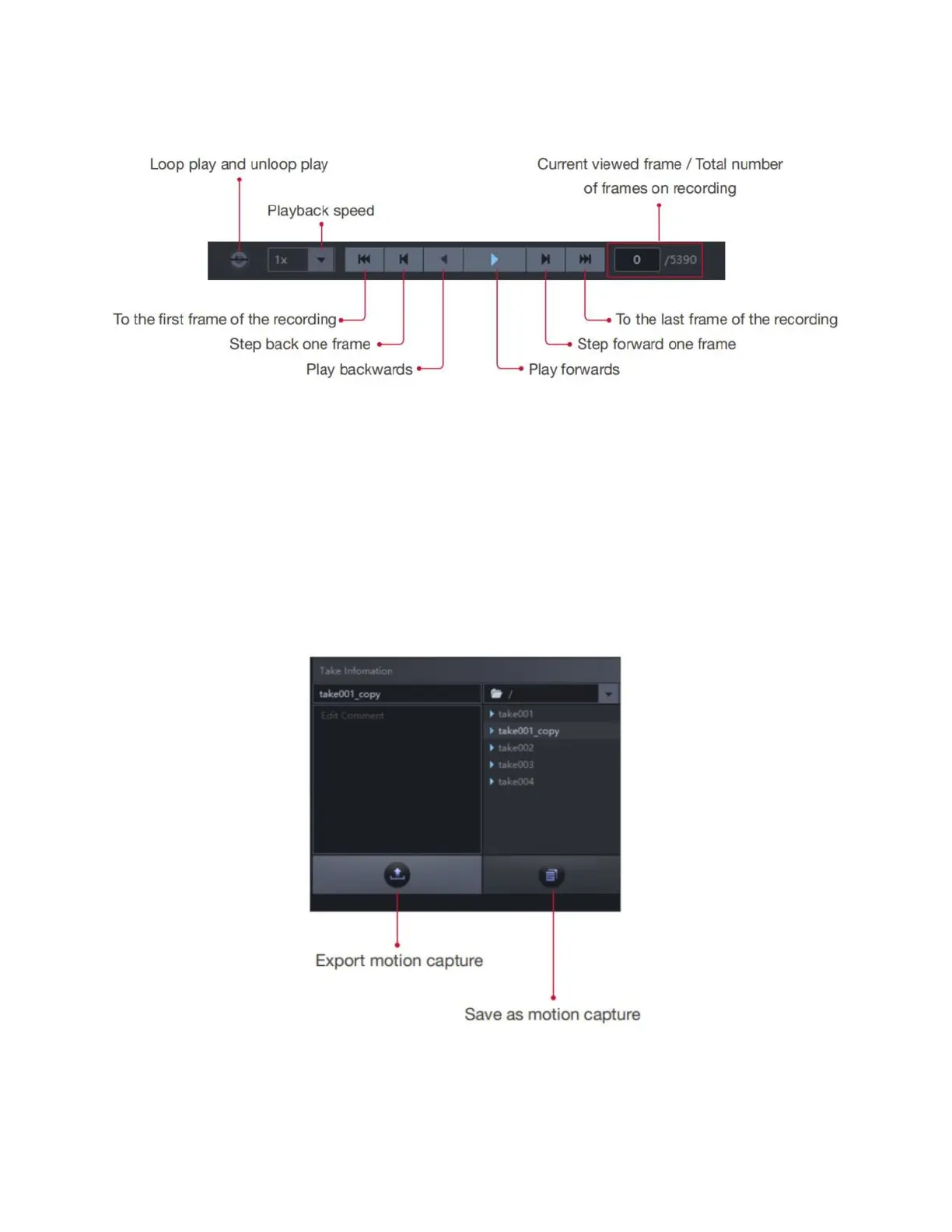
Save and Export
Modifications will be automatically saved when you close your motion capture file.
To save your edits while keeping the original file, or to save multiple versions of edits, use the "save as"
button. Click the "save as" button, then you will be able to input a new name for the file that you want to
save, choose "save" then the file you are currently editing will be the new file with the name that you just
renamed, now the original file will remain the same as it was opened.



 To Next Page