Page | 23
Axis Introduction
Menu Bar
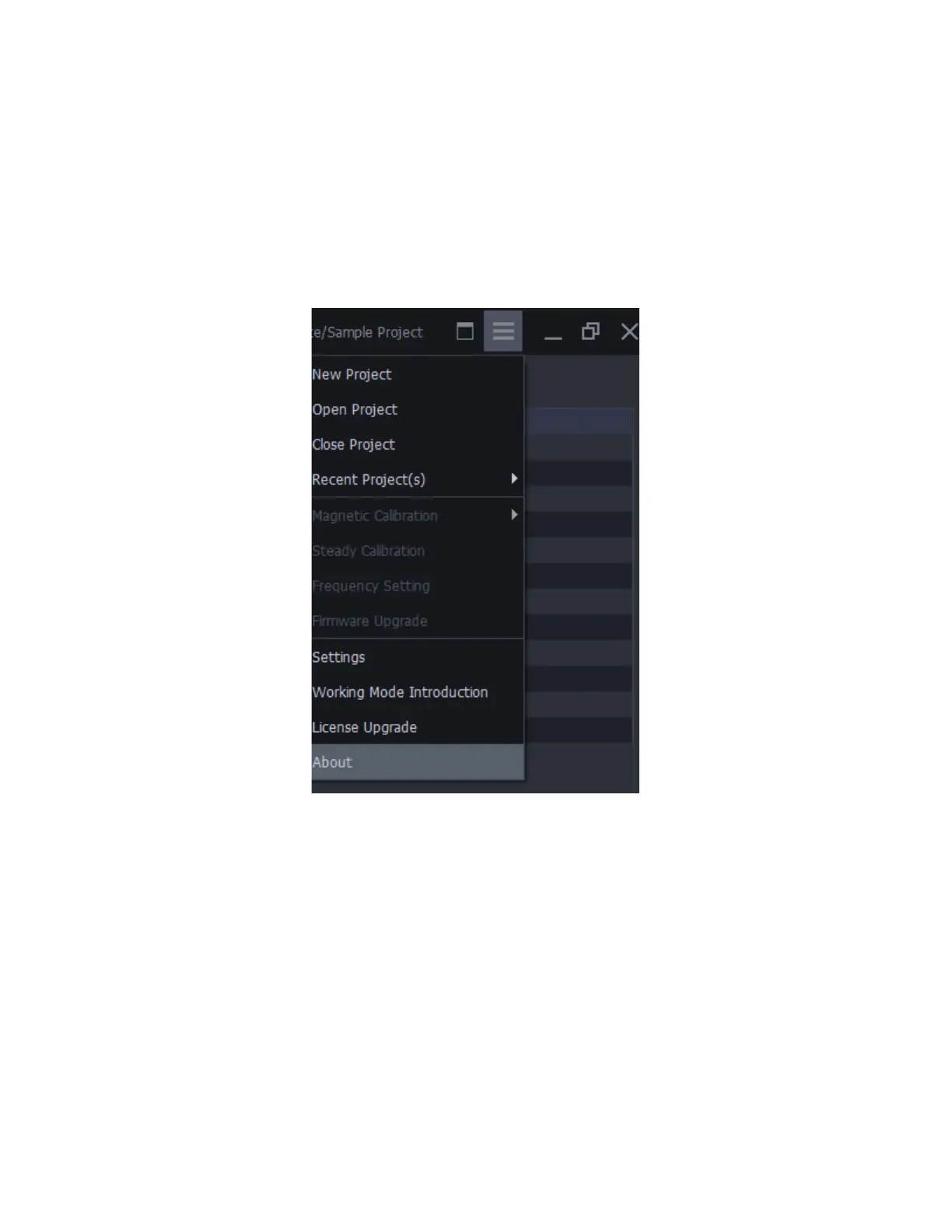
To the top right corner of Axis Studio, you will see a hamburger menu containing our MAIN MENU. Here
you will see several functions:
• New Project: Create a new project.
• Open Project: Open an existing project.
• Close Project: Close the project which is opened now.
• Recent Project: A shortcut to find the lasted projects that you opened before.
• Magnetic Calibration: Calibrate your sensors to resist magnetic interference.
• Steady calibration: Calibrate the gyroscope of the sensor.
• Frequency Setting: PN3 support 3 different data transfer frequencies. If you are using more
• than one set PN3 at the same time, you need to make sure the these sets of PN3 are using
• different frequencies.



 To Next Page