Page | 20
Hardware Information
Sensor
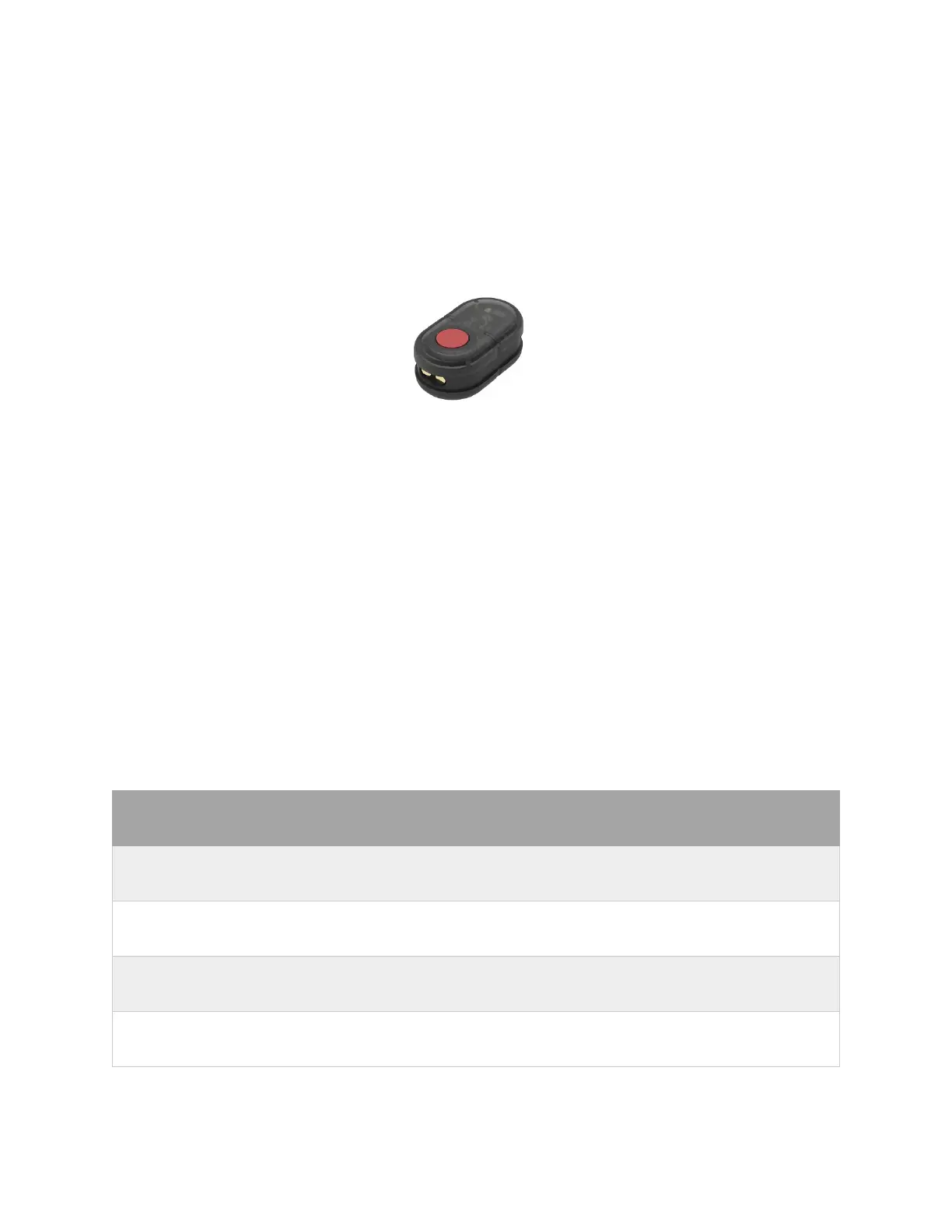
Wireless MEMS inertial sensor which have gyroscope, accelerometer and magnetometer integrated.
Powering on
Automatically>>
After removing the charging cable, the sensor will automatically turn on. However, if the sensors are not
connected with Axis Studio software, they will automatically turn off after 5min.
Manually>>
Press the sensor button on the top for about 2s to turn the sensor on. Press the button for about 5s to
turn off the sensor. The LED indicator of the sensor will display the status. ( Refer to the PN3 Sensor
Light Indicator below)
Light Status Description
Slow Blink Sensor in Standby mode to save power
Fast Blink Calculating transfer data
Solid Light Magnetic Interference detected
Red Light Sensor low battery/charging



 To Next Page