Page | 41
Editing Data
In edit view, review and perform post-processing of your captured data. Axis Studio provides an
abundance of optimized algorithms to achieve an ideal contact result. Adjustments of the effects can be
made for single frames or interval frame values.
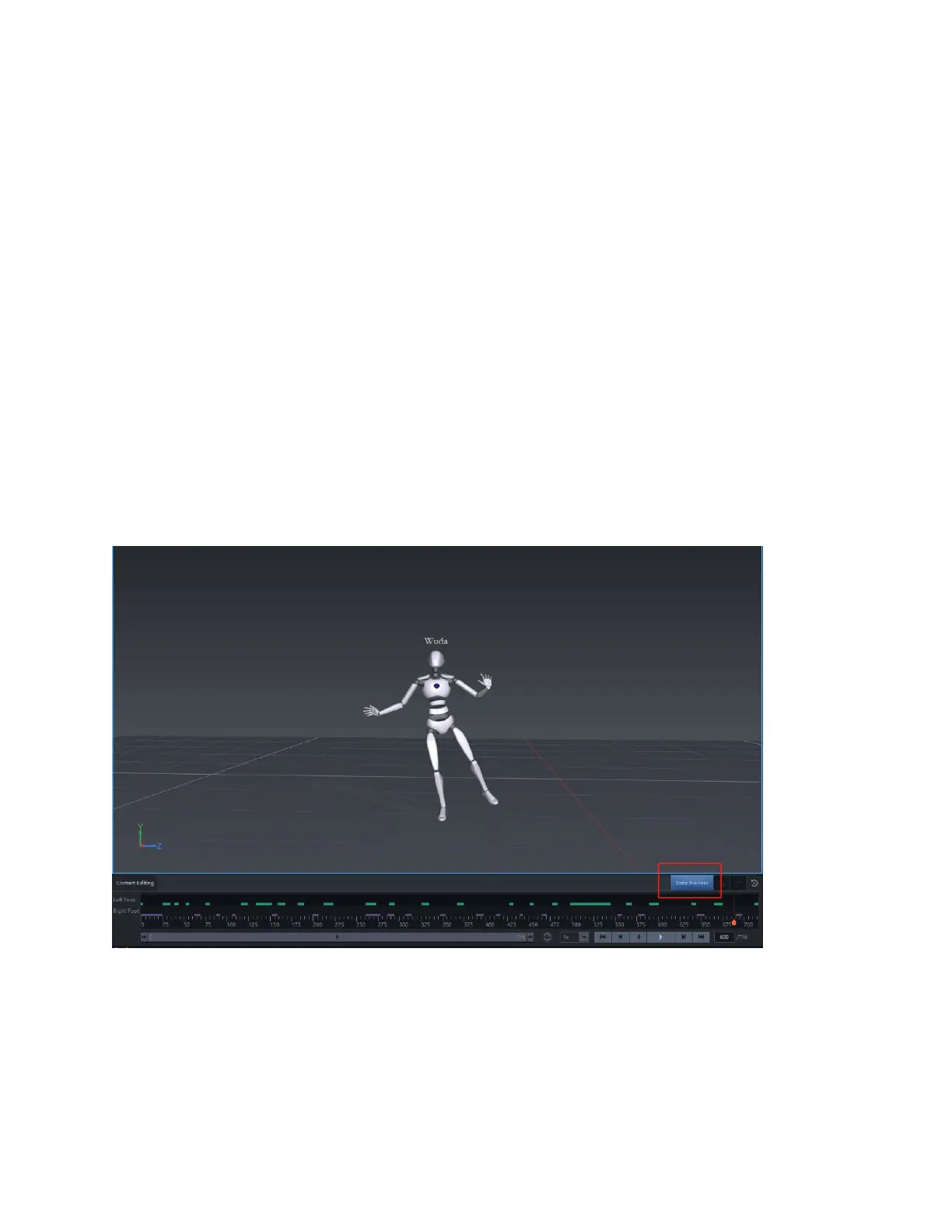
Data Process
Real-time recorded files that are untreated are considered "raw" files. By clicking "Data Process" after the
first time of opening a new recording data, Axis Studio incorporates an automatic post-processing
algorithm that will optimize the original motion capture file, such as make-up lost frames during wireless
data transfer or correct sensor error data produced by unwanted muscle movement during real-time
motion capture. Several files will take longer than others to open due to the amount of post-processing
required.
Track lanes indicate a floor contact captured on a particular body segment.
• L-Hand: Left-hand contact editing area.



 To Next Page