Page | 42
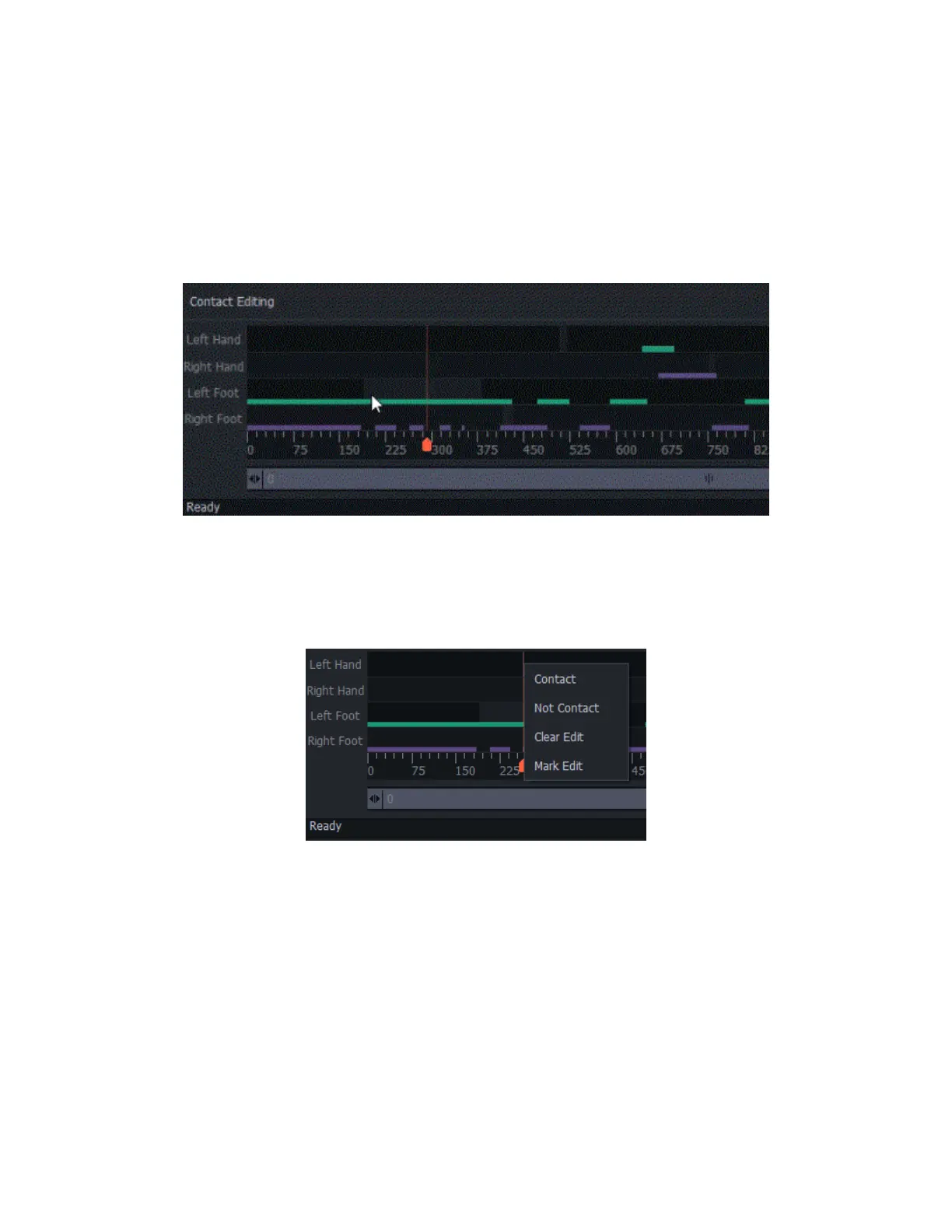
• R Hand: Right-hand contact editing area
• L Foot: Left foot contact editing area.
• R Foot: Right foot contact editing area.
Right-click and drag to modify the frames that you want to edit contact/uncontact points.
Editing Tools
To enable, Left mouse click on the track lanes to show options.
• Contact: Enables contact point for selected track lane
• Non Contact:Disables contact point for selected track lane
• Clear Edit: Allows selected edited area to be manipulated by "Data Processing."
• Mark Edit: Enables Edit-Protect to prevent selected edit state to be overwritten by Data
Processing
Change the length of the timeline to edit frame by frame. See the example below, a capture with 2363
frames, where the visible frames are not long enough to show and edit each frame. To select and edit



 To Next Page